



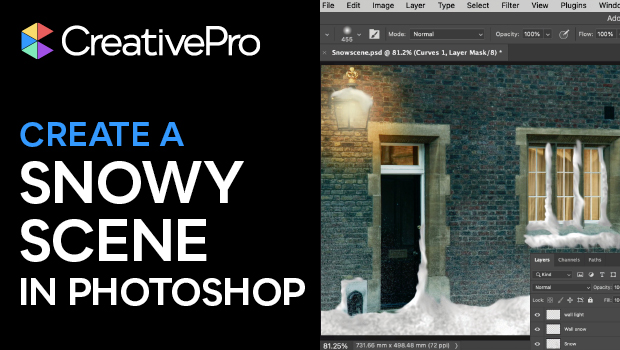
In this Photoshop how-to video, Steve Caplin shows how to turn a basic street photo into a winter wonderland. Using the Lasso tool, Curves adjustment, and layer masks, Steve transforms dark windows into warm glowing lights. Then, he adds fallen snow and snowdrifts using a range of Photoshop brushes, blurs, and effects.
Subscribe to the CreativePro YouTube channel for more helpful design tips!
This article was last modified on December 9, 2025
This article was first published on December 9, 2025
Commenting is easier and faster when you're logged in!

Recommended for you
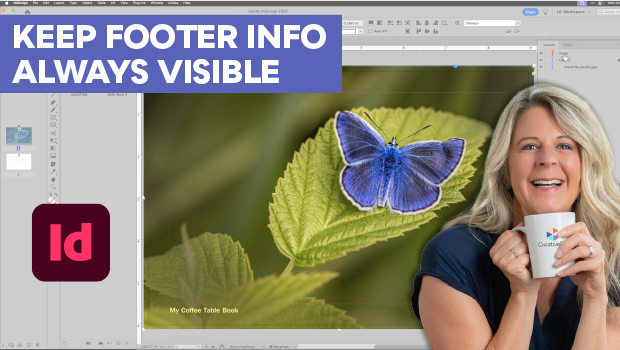
Keep Footer Info Always Visible in InDesign
Keep your full-page photographs from blocking headers and footers in InDesign wi...
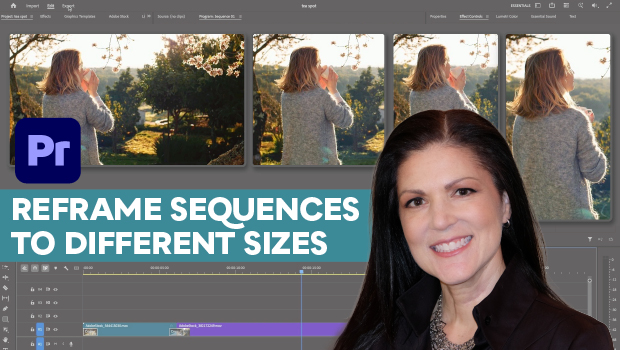
How to Export Videos in Different Aspect Ratios from Premiere
Quickly reframe your video for any social media platform with Myra Ferguson.

Quickly Renumber a List in InDesign
Khara Plicanic shows how to renumber an InDesign list without digging through me...