



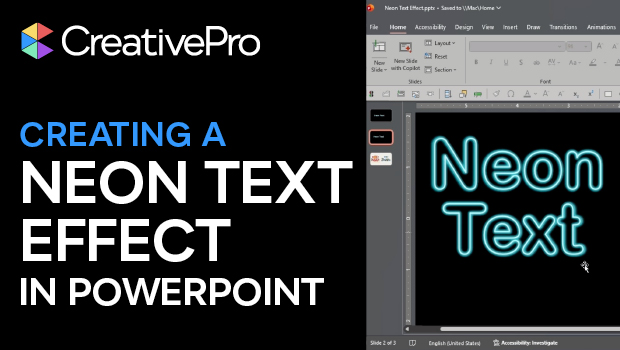
In this PowerPoint how-to video, Stephy Hogan demonstrates how to create neon text effects with the application’s native tools. In the Format Shape Text Options menu, Stephy uses some clever Stroke, Shadow, and Glow tricks to construct her neon text. The result is a fully editable effect, all in PowerPoint!
Subscribe to the CreativePro YouTube channel for more helpful design tips!
This article was last modified on February 17, 2026
This article was first published on February 17, 2026
Commenting is easier and faster when you're logged in!

Recommended for you

Adobe Unveils Major Expansion of Creative Agent Across Firefly and Creative Cloud Apps Including Photoshop and Premiere
Adobe is giving creative professionals an AI Assistant that orchestrates multi-s...
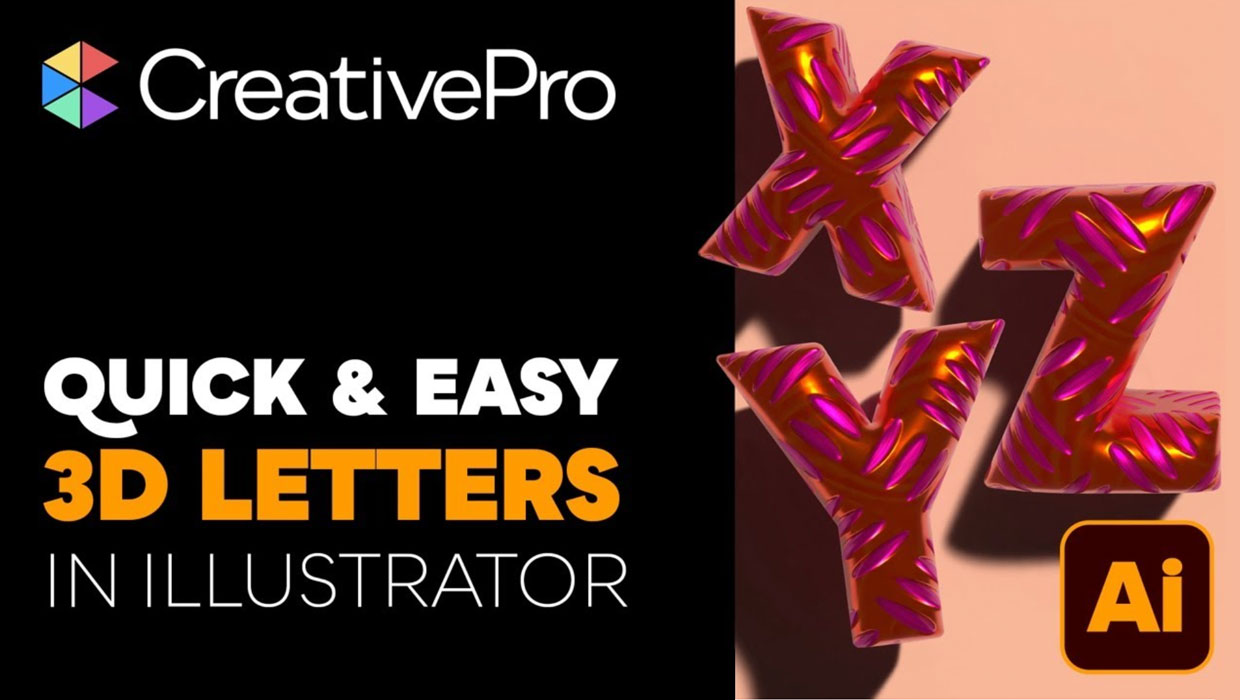
Livestream Video: Creating 3D Lettering Using Illustrator’s Inflate Tool
Join Khara Plicanic as she shows how to create stunning 3D lettering with Illust...
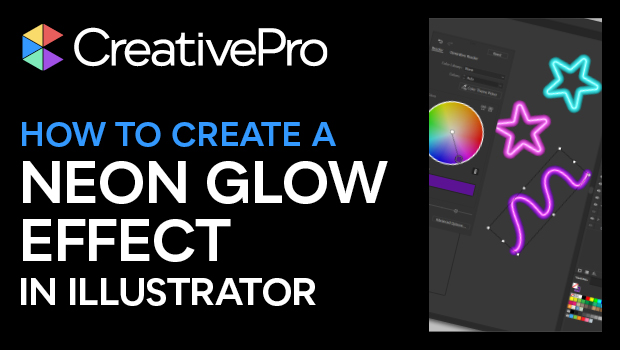
How to Create a Neon Glow Effect in Illustrator
Learn how to create a neon glow effect in Illustrator and save it as a graphic s...