



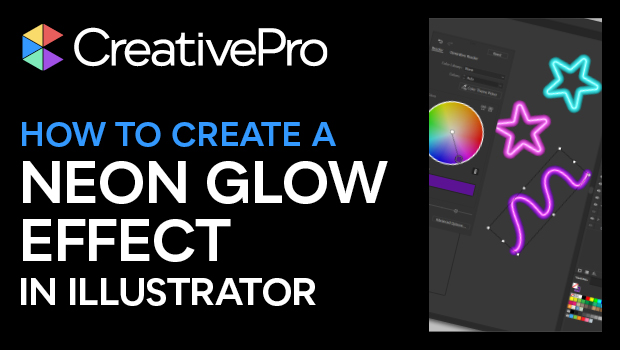
In this Illustrator how-to video, Kat Kremser shows how simple creating a neon glow effect can be. She achieves the look by using the Appearance panel and multiple strokes on each object. Finally, Kat saves the neon effect as a graphic style for easy re-use.
Download Kat’s starter file here.
Subscribe to the CreativePro YouTube channel for more helpful design tips!
This article was last modified on August 29, 2025
This article was first published on May 9, 2025
Commenting is easier and faster when you're logged in!

Recommended for you
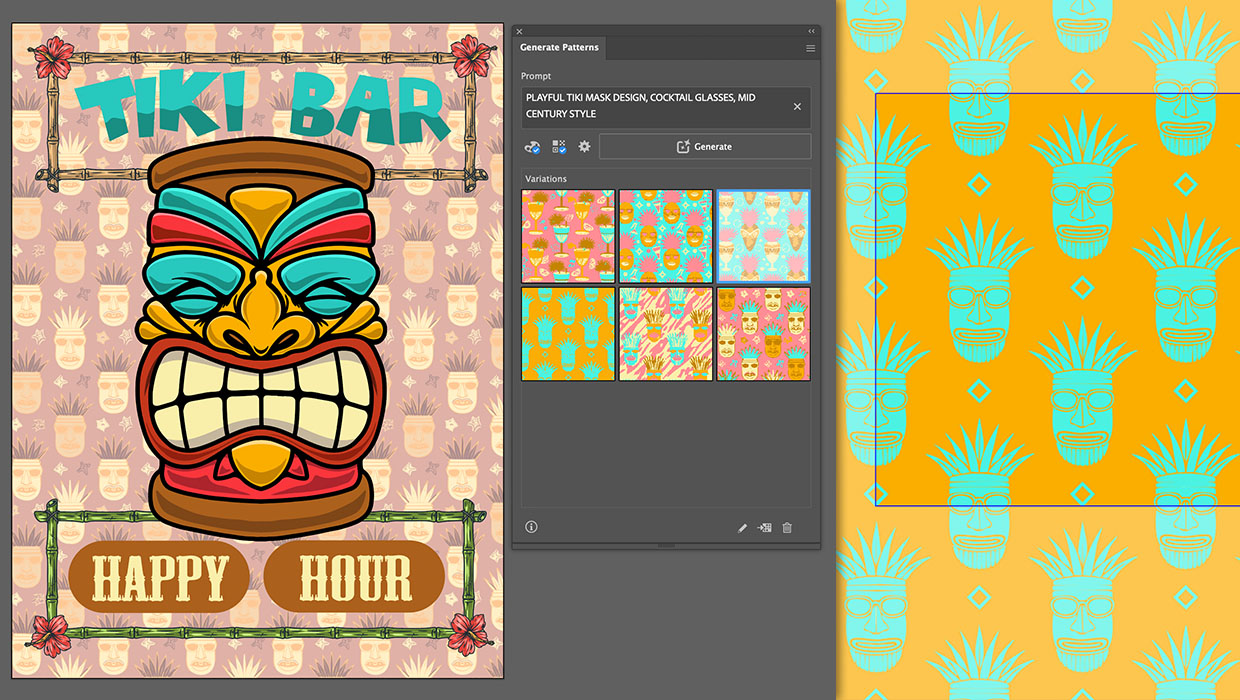
Generating Vector Patterns in Illustrator
Making patterns from prompts opens up a whole new world of creative possibilitie...
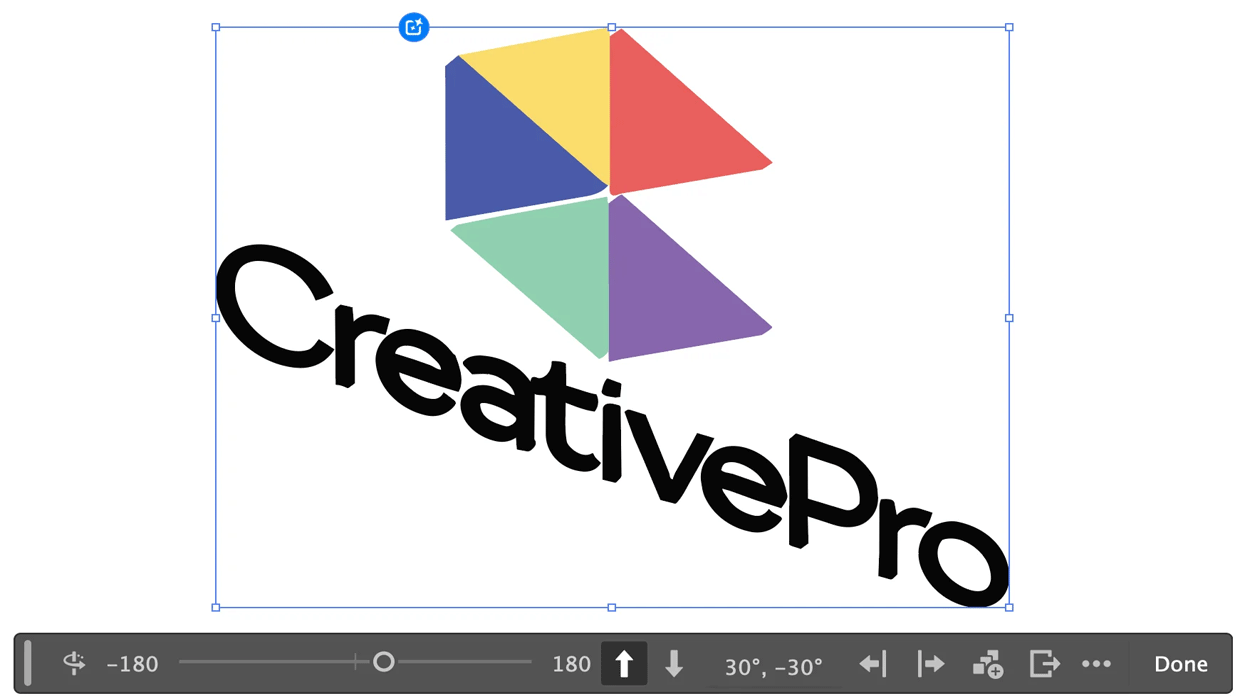
Rotating Objects in Illustrator Using Turntable
Generate vector objects from a variety of angles with the help of AI
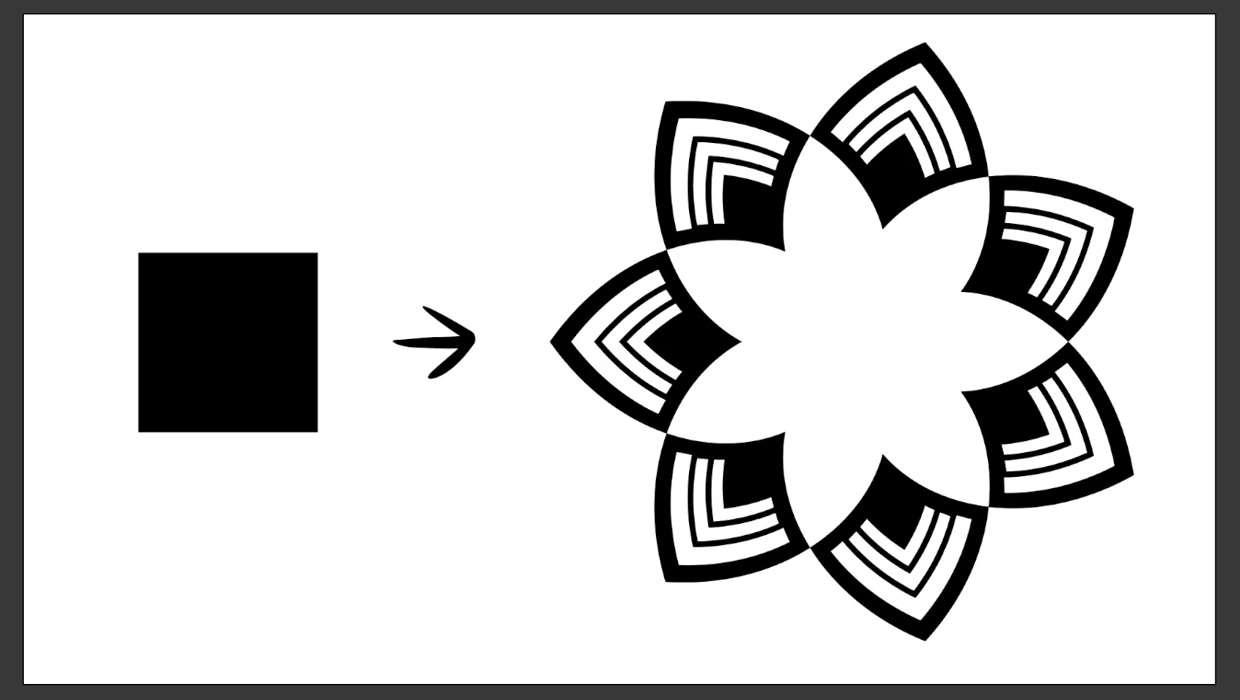
Create a Reusable Art Deco Pattern Brush in Adobe Illustrator
One of Illustrator’s greatest strengths is the ability to easily make reusable d...