



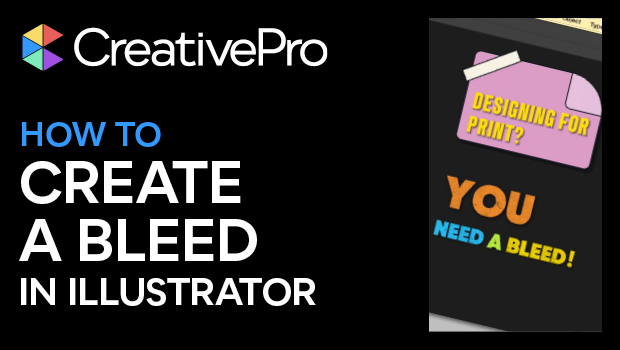
In this short Illustrator video, Khara Plicanic sets up a bleed for an Illustrator document that’s headed to print. She demonstrates how to set your bleed dimensions, adjust your artwork, and export your file.
Subscribe to the CreativePro YouTube channel for more helpful design tips!
This article was last modified on August 29, 2025
This article was first published on August 28, 2025
Commenting is easier and faster when you're logged in!

Recommended for you
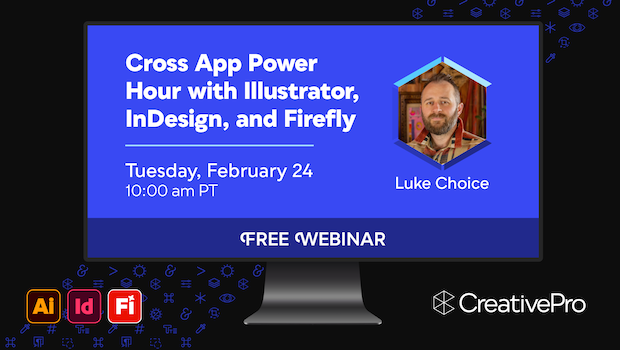
Free Webinar: Cross App Power Hour with Illustrator, InDesign, and Firefly
Explore practical AI-powered tools in Illustrator, InDesign, and Firefly that wi...
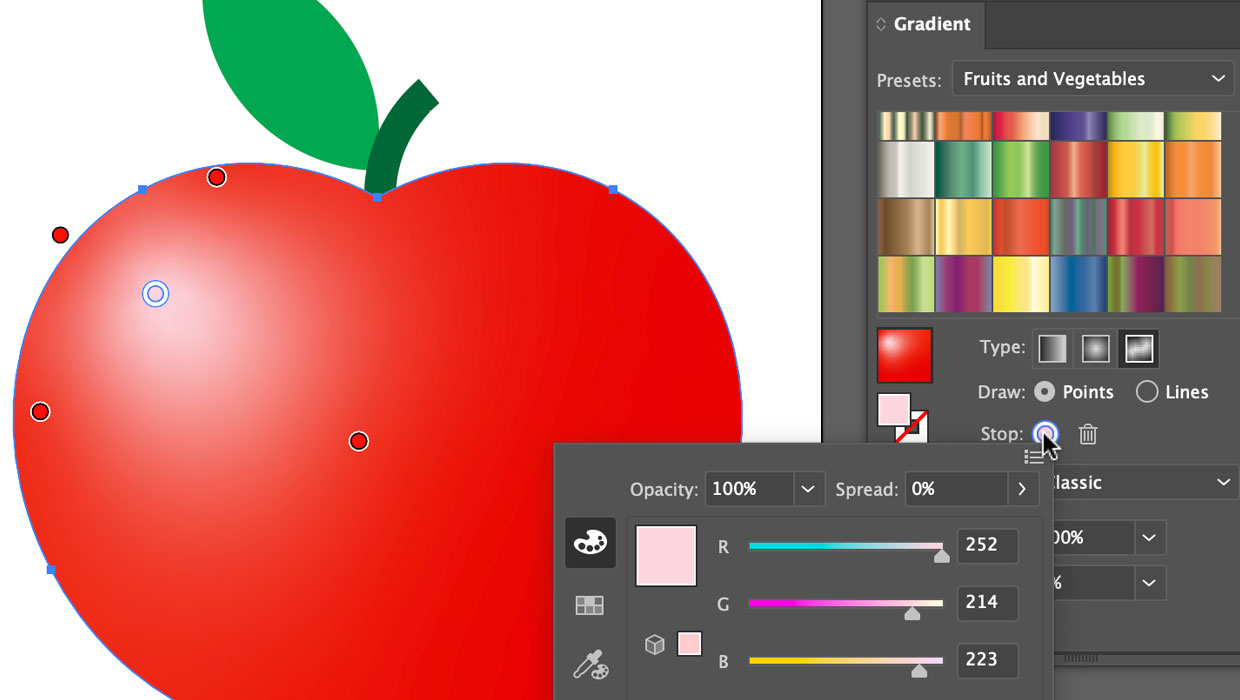
Using the Gradient Panel in Illustrator
A quick introduction to creating, modifying, and outputting gradients in Illustr...
Managing Artboards in Illustrator
Useful tips for working with artboards in Illustrator, including locking, arrang...