



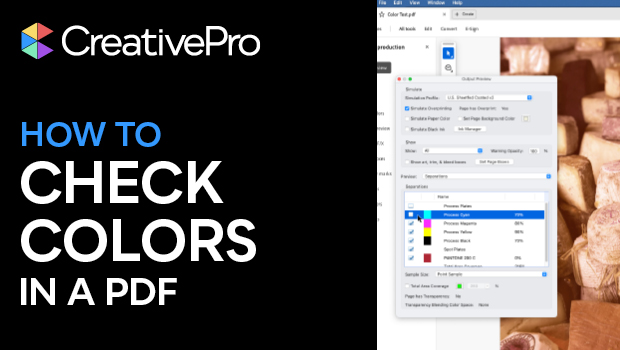
In this Acrobat how-to video, Mike Rankin walks us through how to use the Output Preview panel in the new Acrobat experience. This panel allows you to simulate what your PDF’s colors will look like when printed. Mike reviews the numerous panel options, including CMYK, RGB, and spot colors, as well as total area coverage for ink limits.
Subscribe to the CreativePro YouTube channel for more helpful design tips!
This article was last modified on September 16, 2025
This article was first published on September 16, 2025
Commenting is easier and faster when you're logged in!

Recommended for you

Editor’s Picks for The Design + Accessibility Summit 2026
Our Editor in Chief lists his must-see sessions for The Design + Accessibility S...

Convert to Outlines in InDesign and Keep Your Editable Text
Khara Plicanic creates text outlines and keeps an editable copy with one click!
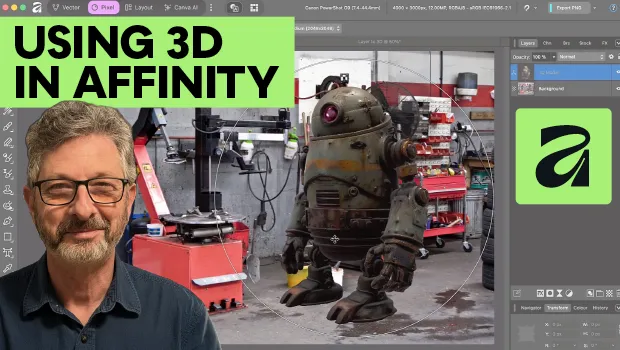
Using 3D in Affinity
Create rotatable 3D objects using Affinity and Canva AI with Steve Caplin.
