



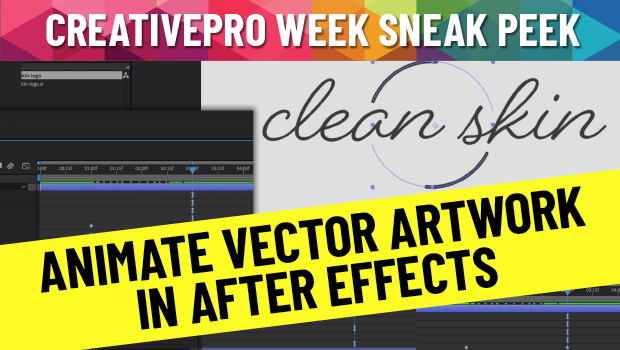
In this CreativePro Week Sneak Peek video, Chris Converse shows how to take vector artwork created in Illustrator and then animate it in After Effects. Going beyond simple slide-ins and rotations, he demonstrates how to add movement to the individual vector elements to put the artwork into motion.
This is a sneak peek from Chris’ session at the upcoming CreativePro Week 2022 in Washington, D.C. May 9-13.
This article was last modified on August 29, 2025
This article was first published on April 3, 2022
Commenting is easier and faster when you're logged in!

Recommended for you
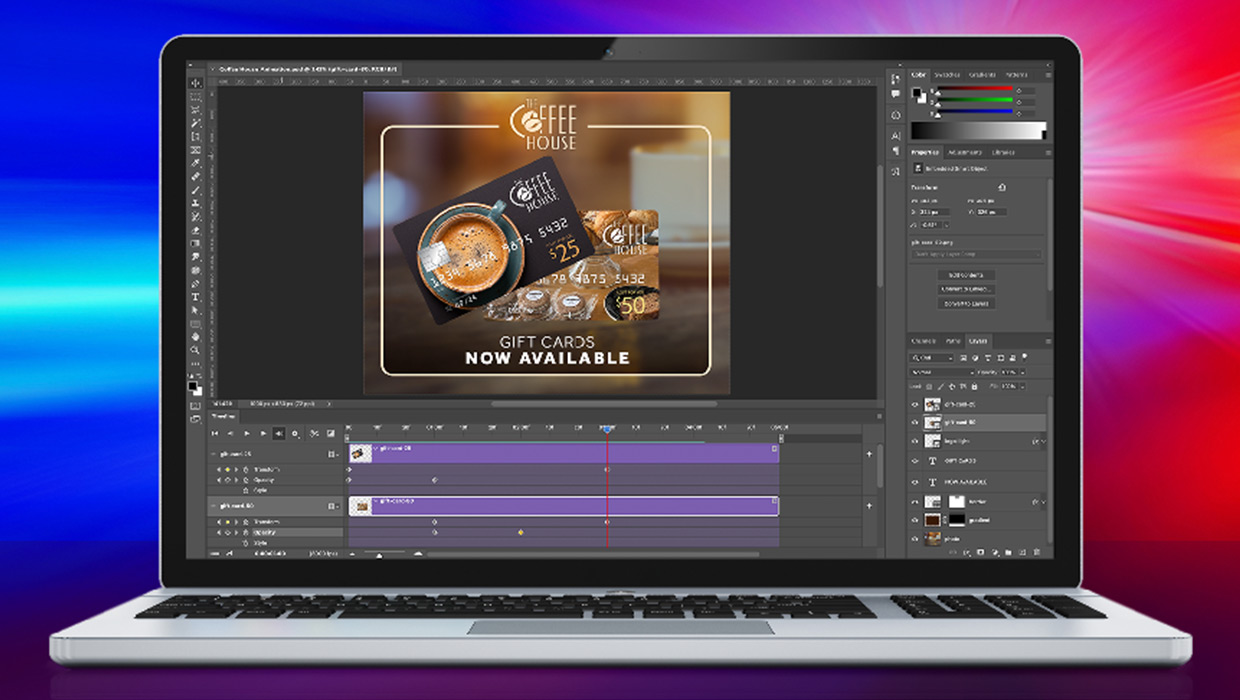
Compositing Video in Photoshop
Tips for using masks, blend modes, filters, and more with video in Photoshop.
How to Use Animated GIFs in InDesign
Learn how to spice up your InDesign documents with animated GIFs using Myra Ferg...
Create an Animated Looping Logo in Premiere
This looping animated logo tutorial from Myra Ferguson is perfect for Premiere b...