



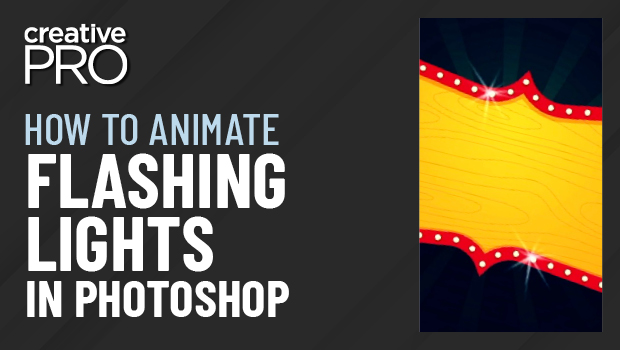
In this Three Minutes Max video, Khara Plicanic shows off a really quick way to make animated flashing lights in Photoshop. By duplicating layers and making slight adjustments to each, she turns each layer into a frame, creating the animation that can be exported to a video format.
Three Minutes Max comes from a fun—yet very competitive—session at our annual CreativePro Week conference. Speakers have three minutes (max!) to wow the audience with the tip and win a prize for a lucky conference attendee.
This article was last modified on August 29, 2025
This article was first published on August 4, 2022
Commenting is easier and faster when you're logged in!

Recommended for you

CreativePro Week 2026 Preview: 5 Game-Changing Motion and Video Sessions
Here are five great sessions that will "motivate" you to join us in Nashville
Create an Animated Button Outline in PowerPoint
Create a looping rainbow animation in PowerPoint with Stephy Hogan!
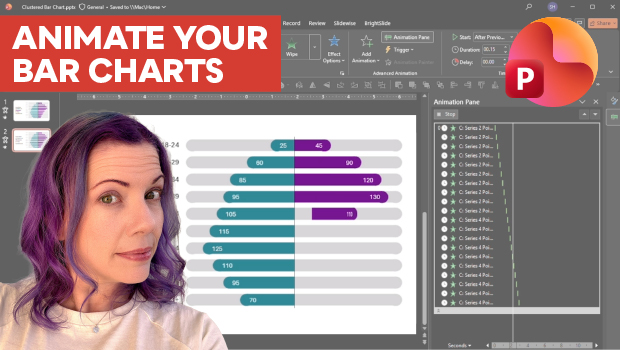
Animate a Waterfall Effect on a PowerPoint Bar Chart
Stephy Hogan is back with another eye-catching animated chart design.