



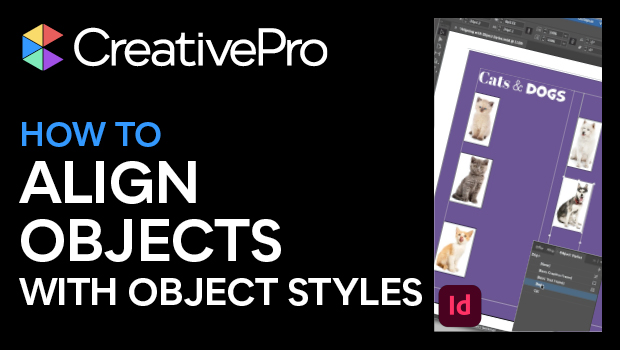
In this InDesign how-to video, Mike Rankin shows how to position objects on the page with efficiency and precision using object styles. This technique is critical for producing professional quality long documents such as catalogs and yearbooks. Lastly, he demonstrates that basing one style on another makes for quick updating of styles throughout a document.
Subscribe to the CreativePro YouTube channel for more helpful design tips!
This article was last modified on August 29, 2025
This article was first published on March 11, 2025
Commenting is easier and faster when you're logged in!

Recommended for you

Editor’s Picks for The Design + Marketing Summit 2026
Our Editor in Chief lists his must-see sessions for The Design + Marketing Summi...
Quickly Renumber a List in InDesign
Khara Plicanic shows how to renumber an InDesign list without digging through me...
Animate a Waterfall Effect on a PowerPoint Bar Chart
Stephy Hogan is back with another eye-catching animated chart design.