



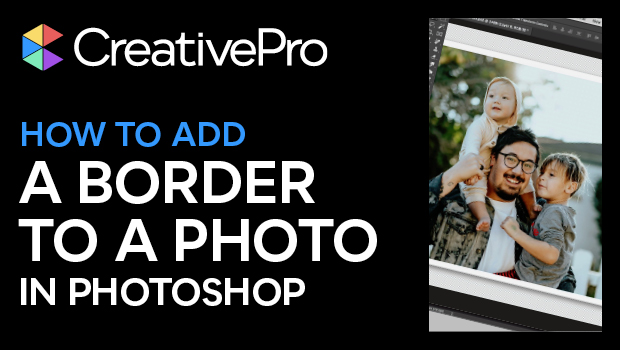
In this Photoshop how-to video, Steve Caplin demonstrates two ways to add a border to a photograph. First, he uses a stroke effect with layer styles, adjusting settings for a realistic look. Then Steve explores an alternative method using the canvas size for a quick and simple approach.
Subscribe to the CreativePro YouTube channel for more helpful design tips!
This article was last modified on August 29, 2025
This article was first published on February 28, 2025
Commenting is easier and faster when you're logged in!

Recommended for you
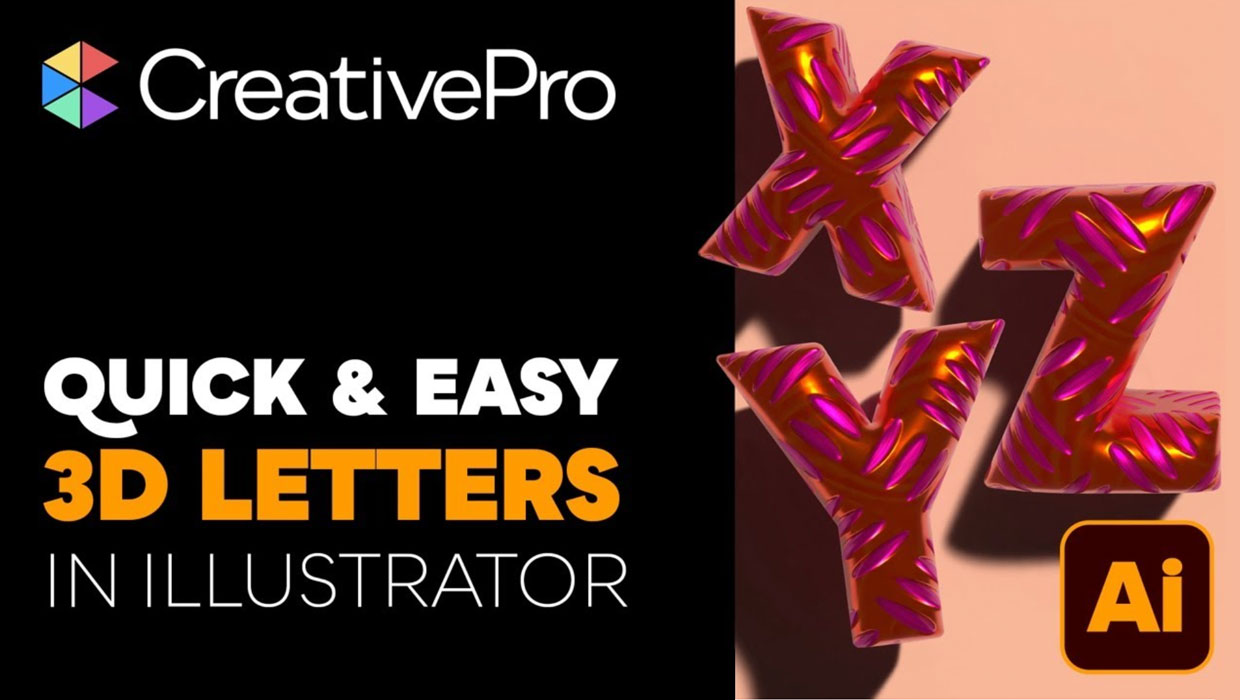
Livestream Video: Creating 3D Lettering Using Illustrator’s Inflate Tool
Join Khara Plicanic as she shows how to create stunning 3D lettering with Illust...
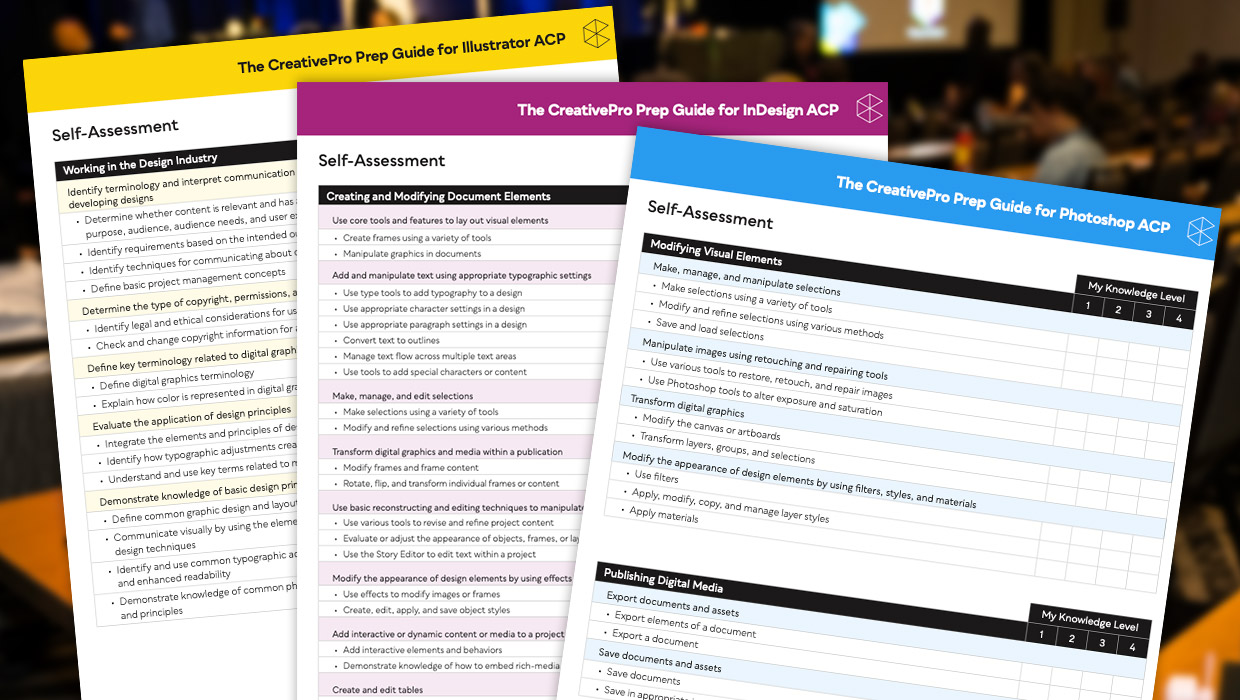
Adobe Certified Professional Exam Prep Guides
Use these self-assessment guides to determine what you should study to pass the...
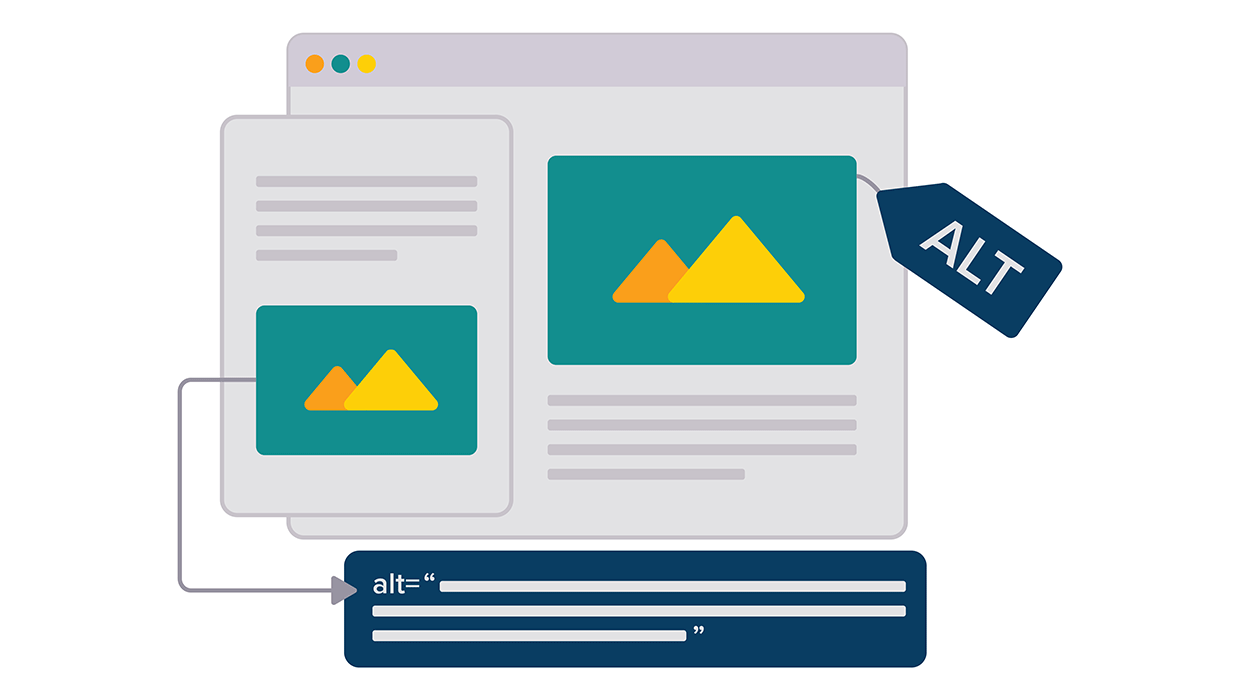
Opinion: InDesign’s Auto-generate Alt Text Feature Needs to Change
How it might damage your accessibility workflow and how it can be fixed