




Two quick tips for creating ruler guides at precise locations in InDesign:
1. Double-click the spot on the ruler where you want to add a guide.
2. While dragging a guide, hold the Shift key to have the guide snap to tick marks on the ruler.
This article was last modified on January 12, 2026
This article was first published on May 21, 2019
Commenting is easier and faster when you're logged in!

Recommended for you
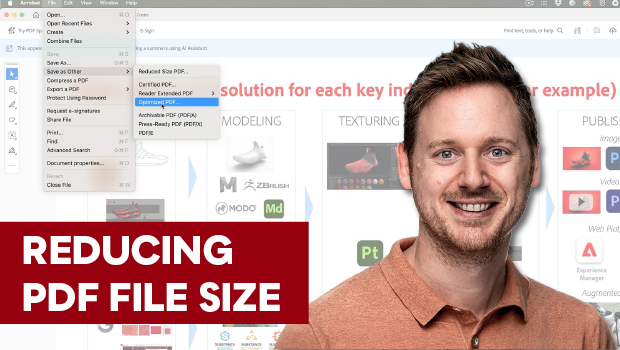
Reduce PDF File Size the Smart Way in Acrobat
Shrink your PDF file size in Acrobat with Bart Van de Wiele.
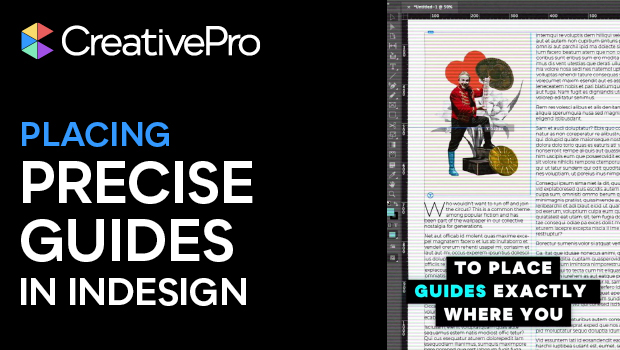
Placing Precise Guides in InDesign
Drop guides in InDesign precisely where you want them with these quick tips!

Interview with Thaddeus Coates, Artist and Character Designer
Thaddeus Coates shares his fun and fearless approach to design and how community...