



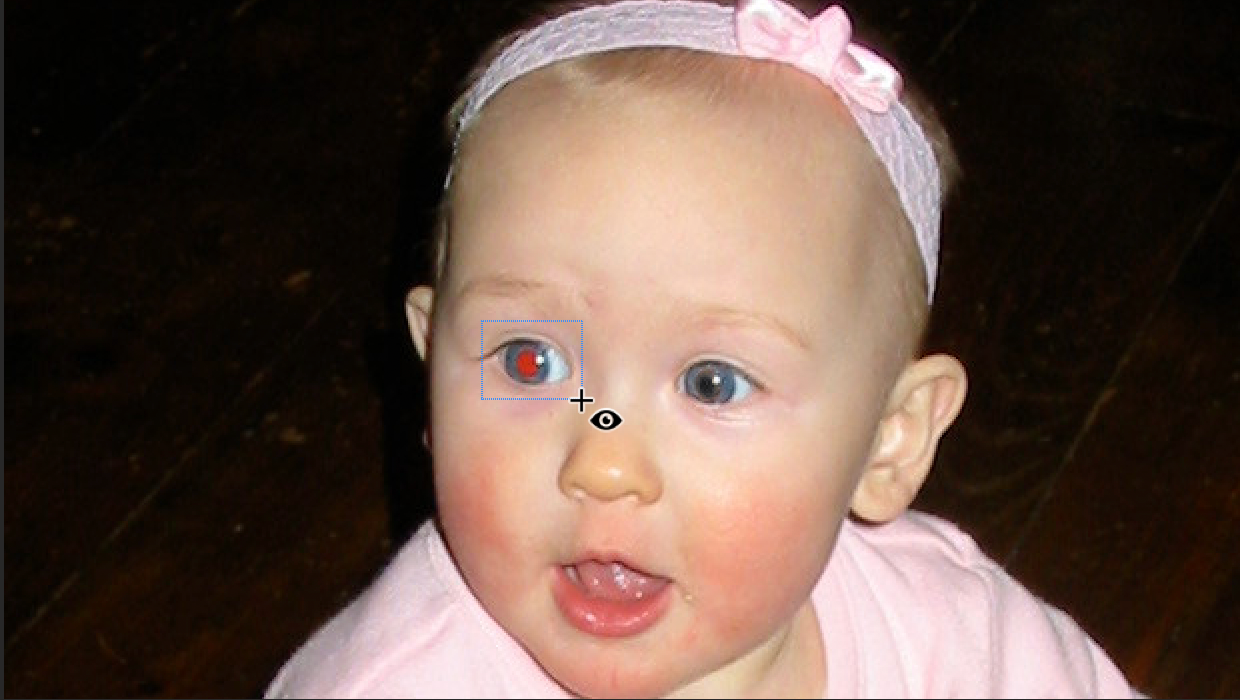
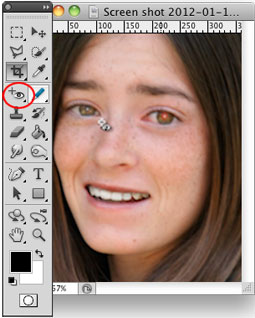
Over the years, many people have written tutorials on fixing red eye in photos; in fact, development.creativepro.com has published several! The various techniques have involved channels, brushes, sponges, selective color, and more. But did you know that since Photoshop CS2, there’s been a dedicated Red Eye tool? It’s hiding under the Spot Healing Brush on your toolbar.
This article was last modified on May 8, 2025
This article was first published on January 18, 2012
Commenting is easier and faster when you're logged in!

Recommended for you

How to Adjust Colors Using Photoshop’s Contextual Task Bar
Learn how to use the Photoshop Adjust Colors feature to make quick, non-destruct...

How to Adjust Colors in Photoshop Using Hue and Saturation
Learn how to manipulate an image’s colors using Photoshop’s Hue and Saturation s...

Using Photoshop’s Generative Fill to Remove Objects
Learn how to simply remove items from an image in Photoshop, without extra conte...