




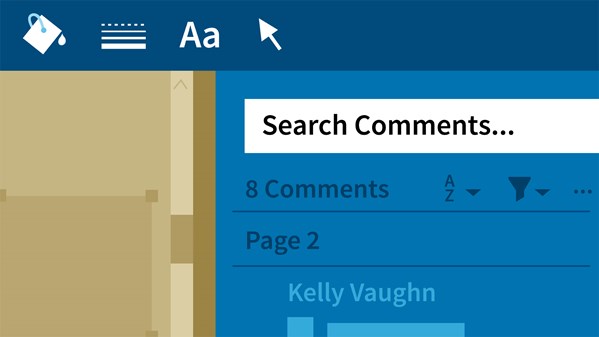
It’s time for another great free video from Lynda.com! This time Kelly Vaughn shows how to get the most out of the PDF commenting tools in Acrobat DC.
From the course description:
Architects, engineers, and construction professionals use Acrobat DC in a unique way. They review and share more complex, large-scale CAD drawings than the typical Acrobat user. Luckily, there are some tips and tricks that can help AEC professionals navigate, review, and share PDF documents in Acrobat with ease. This course is specifically tailored for people in these industries who need to communicate more efficiently and effectively with their teams and clients.
Learn how to locate the markup tools, choose the right tool for the job, get quick access with keyboard shortcuts, and customize your Acrobat workspace. These lessons can be applied to a variety of PDFs, from technical manuals to 3D models, floorplans to wiring diagrams. Instructor Kelly Vaughn—a technical documentation expert—also shows how to sort, track, share, and print comments, and introduces some scripts designed to temporarily enlarge comments and color code sticky notes.
Topics include:
- Maximizing your workspace
- Customizing shortcuts
- Working with different kinds of PDFs
- Using the text and drawing markup tools
- Using measuring tools
- Sorting comments
- Sharing comments
- Tracking comments
- Using custom scripts
- Printing comments
Why you should use commenting tools
For Lynda.com members, if you are currently signed in to your account, you can also check out these videos from the series.
Not a Lynda.com member?
Get 10 days of free unlimited access to Lynda.com.
Using standard text markup tools
Using drawing markup tools
Using the Properties toolbar
This article was last modified on August 8, 2019
This article was first published on August 18, 2017
Commenting is easier and faster when you're logged in!

Recommended for you
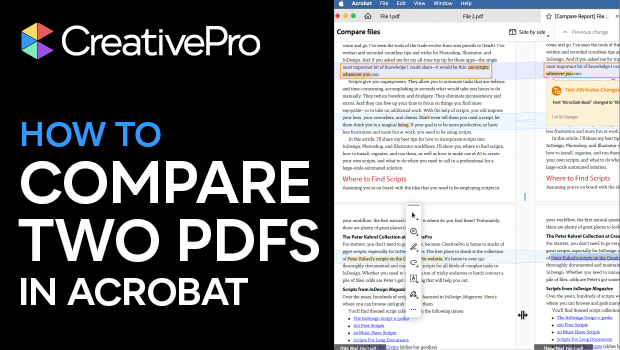
How to Compare Two PDFs Using Acrobat
See all the differences in two PDFs at a glance with this quick Acrobat tip.

Quick Wins: Building Print Production Skills
Use these five resources to boost your prepress knowledge and skills.
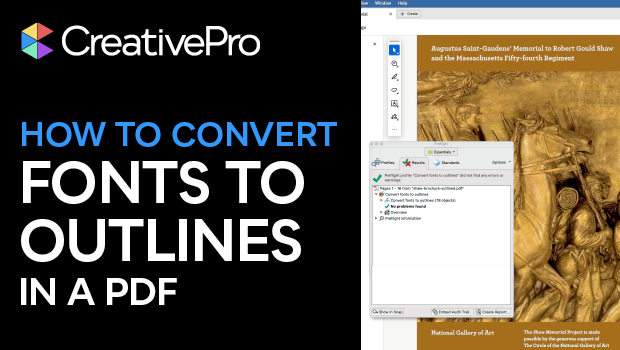
How to Convert Fonts to Outlines in a PDF
If you need to provide a PDF with fonts converted to outlines to your print serv...