




There aren’t very many features in Microsoft Word that would make InDesign users jealous, but the ability to quickly and easily put a box around a paragraph is one. But in his latest video from the InDesignSecrets series at lynda.com, David Blatner shows you two simple methods to box a paragraph, so you needn’t be quite so jealous.
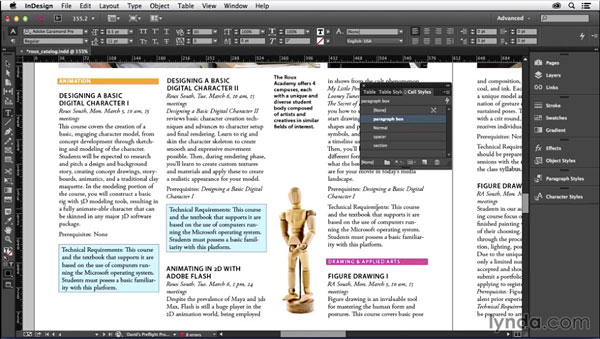
And after you check out the video, head over to development.creativepro.com, where you can read my article Five Ways to Box a Paragraph in InDesign.
Then Word users can go back to being jealous of you! As is proper.
This article was last modified on March 5, 2025
This article was first published on April 24, 2015
Commenting is easier and faster when you're logged in!

Recommended for you
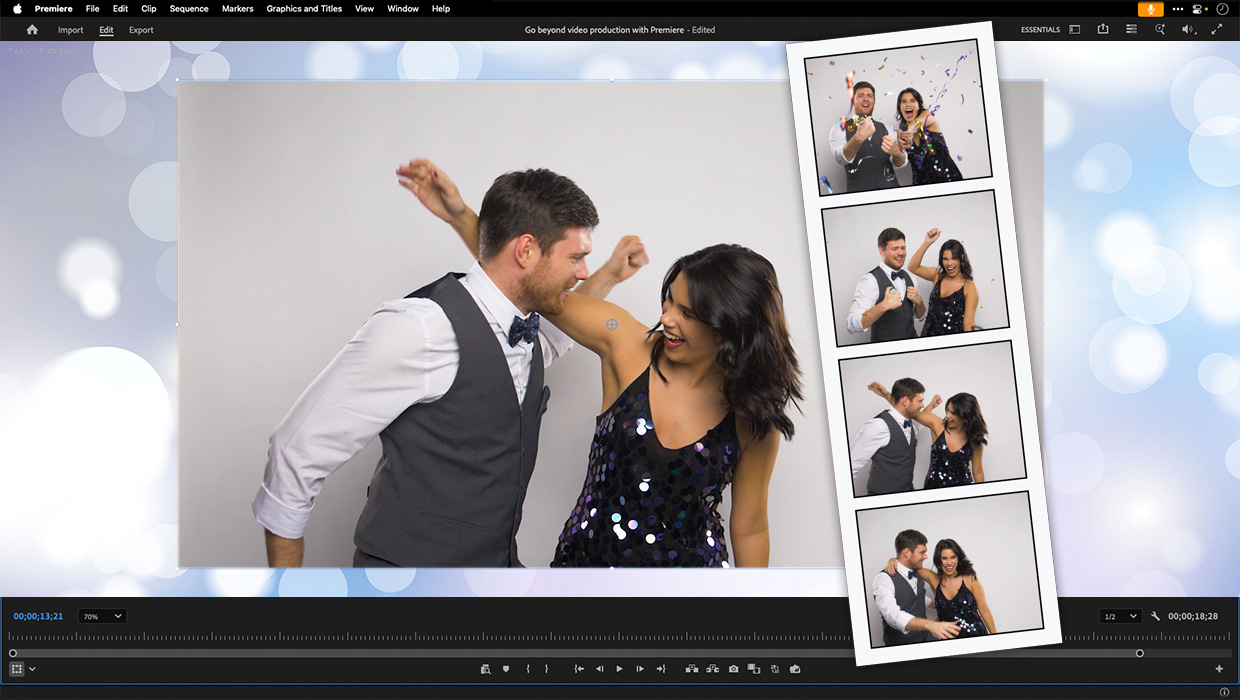
Premiere: It’s Not Just For Video
Designers using InDesign and Photoshop can look at Premiere as a surprising reso...
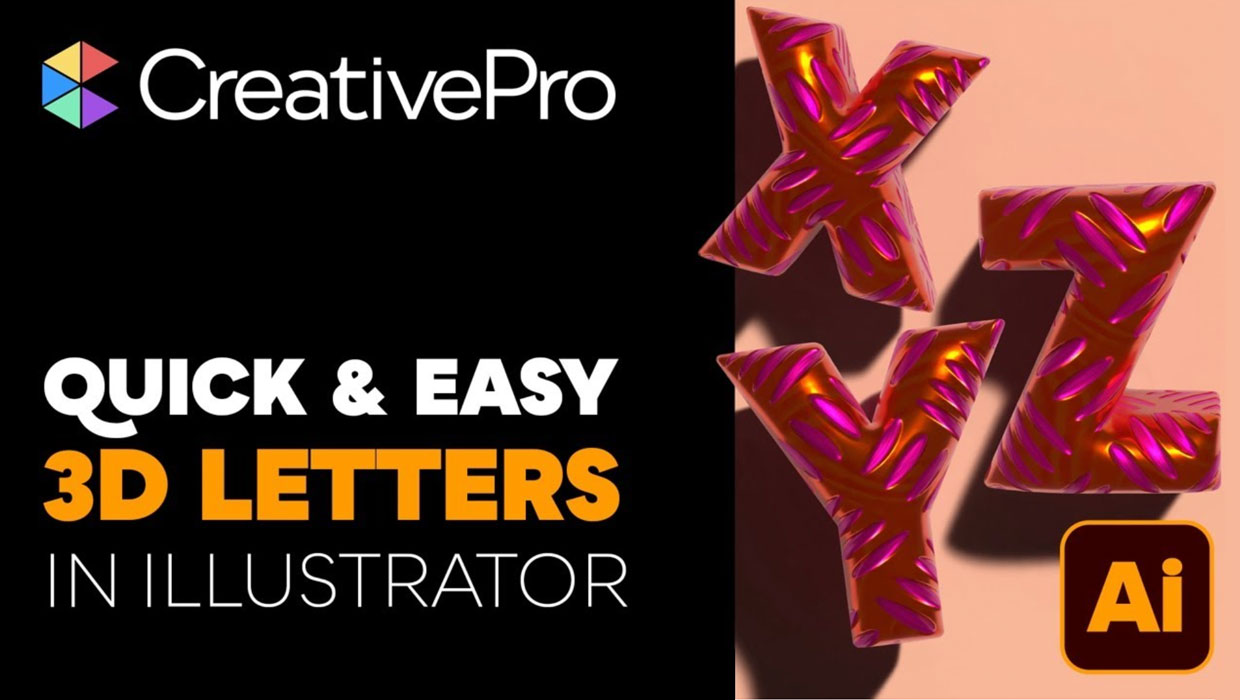
Livestream Video: Creating 3D Lettering Using Illustrator’s Inflate Tool
Join Khara Plicanic as she shows how to create stunning 3D lettering with Illust...

What If Your Proofing Tool Could Markup the Proof for You?
Imagine opening a proof and seeing suggested markups already waiting – hig...