




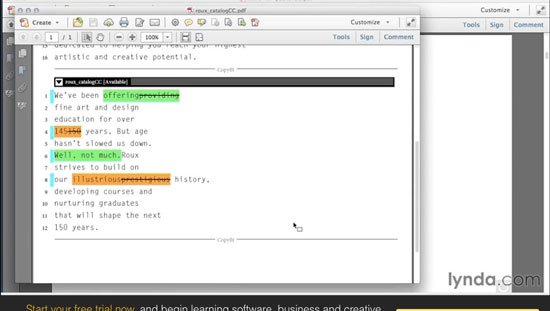
In many publishing editorial workflows, there is a need to capture a record of text changes at each stage of production. And unfortunately, while InDesign allows you to track changes, it doesn’t allow you to print them or export them to PDF. But there is a workaround you can use with InCopy. And you can learn how it works in a video from the InDesignSecrets series on lynda.com.
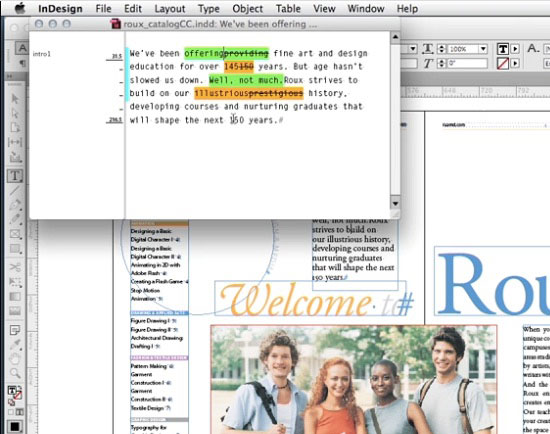
In the movie, Anne-Marie Concepcion shows how to print or PDF changes, even if you don’t use InCopy for any other reason. The trick is easy and free, since InCopy comes with a Creative Cloud subscription.
This article was last modified on March 5, 2025
This article was first published on June 11, 2015
Commenting is easier and faster when you're logged in!

Recommended for you
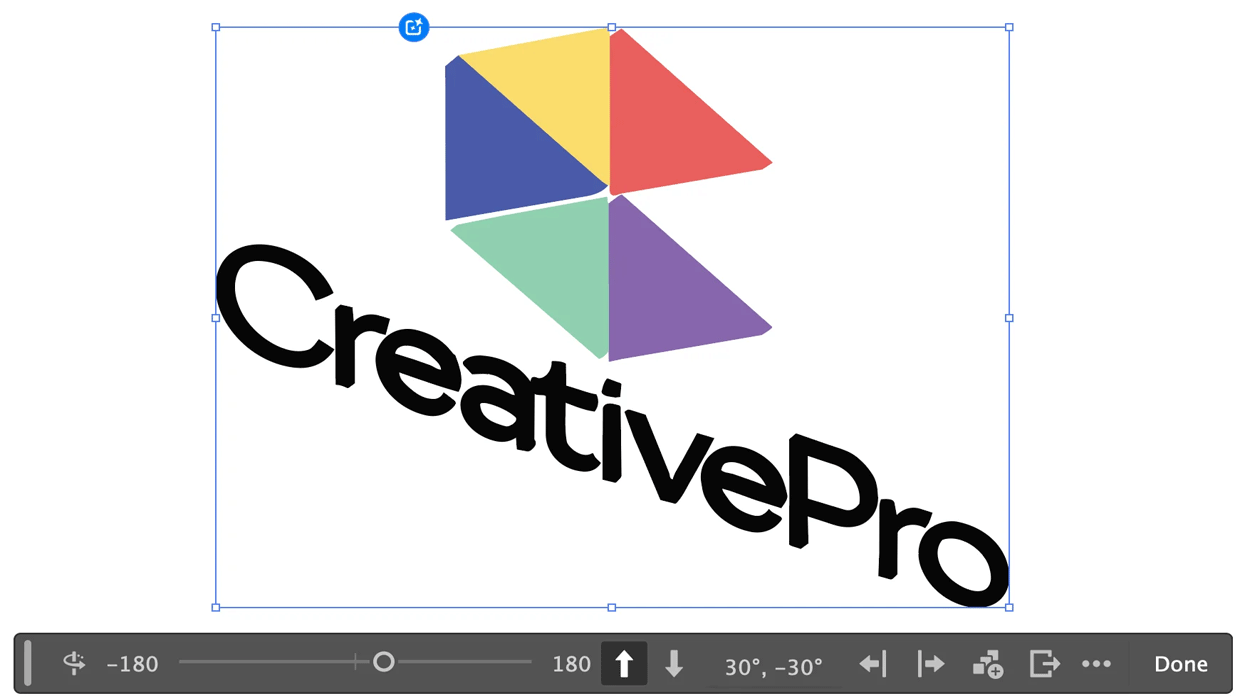
Rotating Objects in Illustrator Using Turntable
Generate vector objects from a variety of angles with the help of AI

Interview with the InComparable Anne-Marie Concepcion
Q&A with Anne-Marie Concepcion, who is presenting at The InDesign Conference 202...
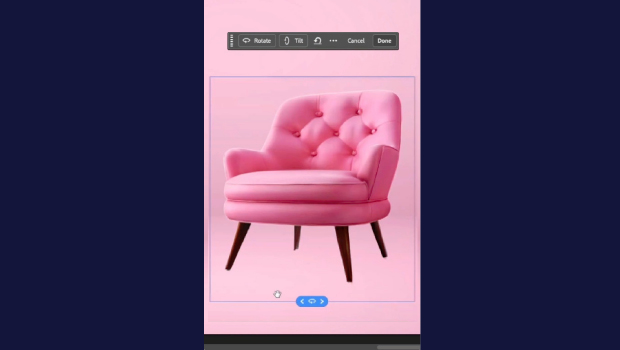
Rotate Flat Elements in 3D Space in Photoshop
Khara Plicanic demonstrates how to take a flat photo element and rotate and tilt...