




One of the most often repeated tips for setting great looking type in InDesign is to avoid the use of auto leading (which you can easily spot by the presence of parentheses around the leading value).
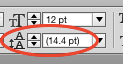
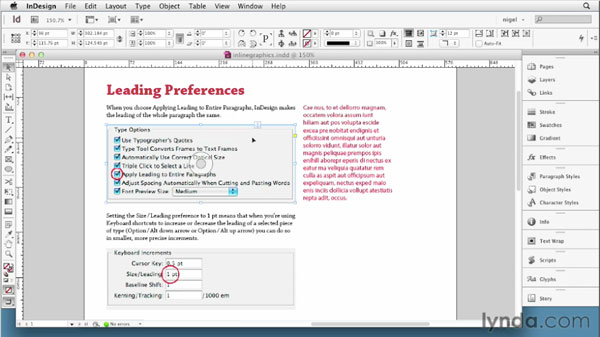
But, there is one case when the use of auto leading is not just a good idea, it’s essential. And that is when you’re working with inline graphics. Nigel French knows a lot about setting beautiful type, and in a free video from his lynda.com series InDesign Typography, he demonstrates the magic of auto leading for graphics, and how to create a paragraph style that creates just the right amount of spacing around inline graphics.
This article was last modified on March 5, 2025
This article was first published on August 14, 2015
Commenting is easier and faster when you're logged in!

Recommended for you

7 Reasons Why You Belong at the InDesign User Group
If you’re an InDesign user, you’ll dig the IDUG

Editor’s Picks for The Design + Marketing Summit 2026
Our Editor in Chief lists his must-see sessions for The Design + Marketing Summi...
Adobe Certified Professional Exam Prep Guides
Use these self-assessment guides to determine what you should study to pass the...