



Return to page 1 of this article.
Actions
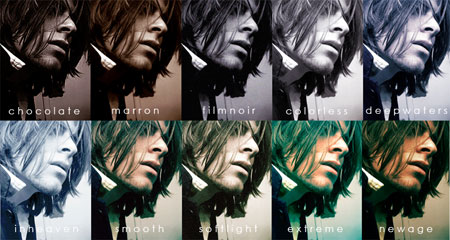
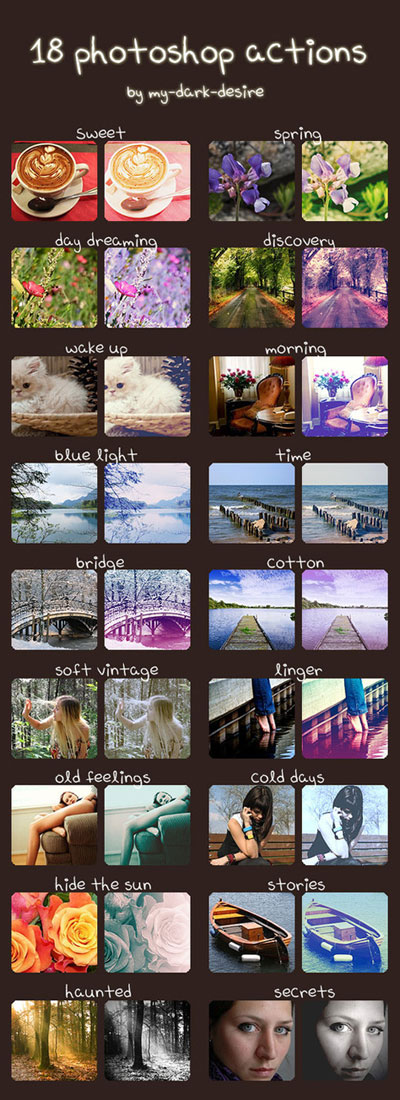
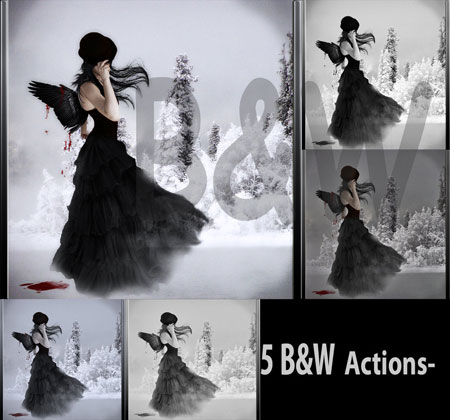
Photoshop Actions automate a series of filters, effects, adjustments, or other tasks you might perform on an image to achieve a particular effect. The actions below can help you process a photo, achieving the demonstrated effects much faster than doing it step-by-step.
10 Image Enhancements
18 Actions
Black and White
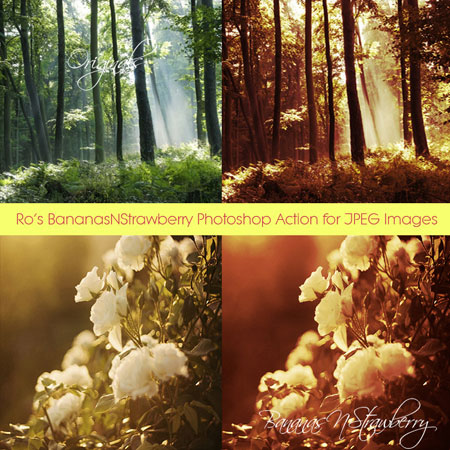
BananasNStrawberry
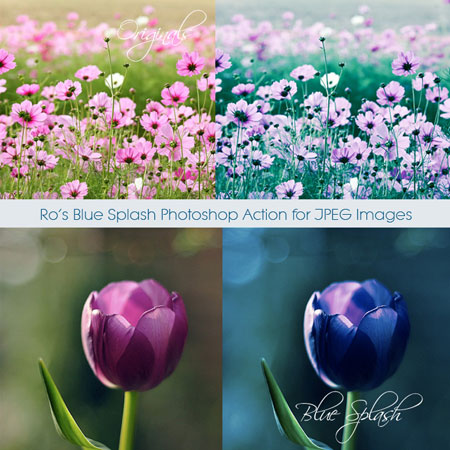
Blue Splash
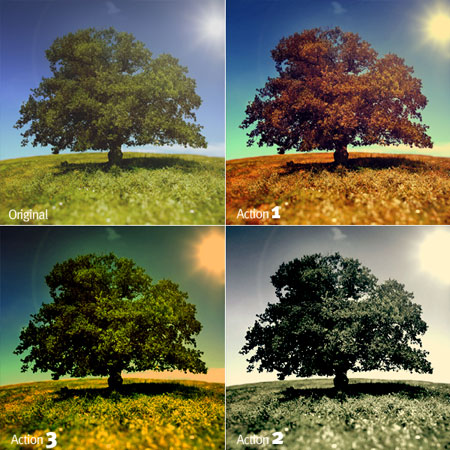
CoLoR effect 4.6
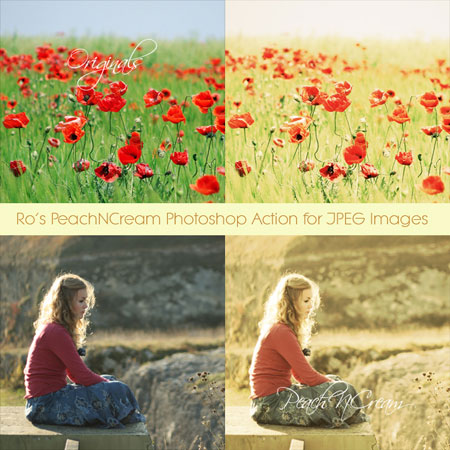
PeachNCream
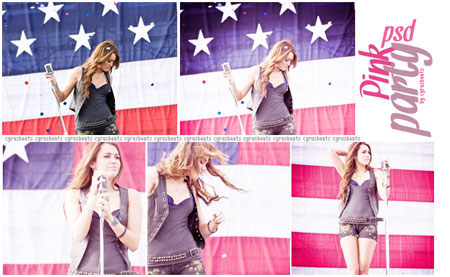
Pink Party
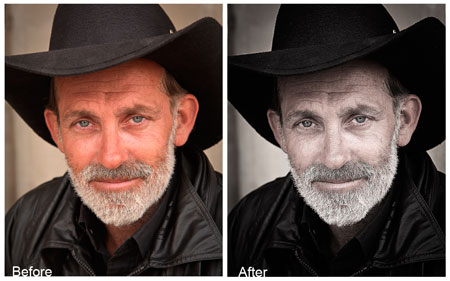
Portrait Action
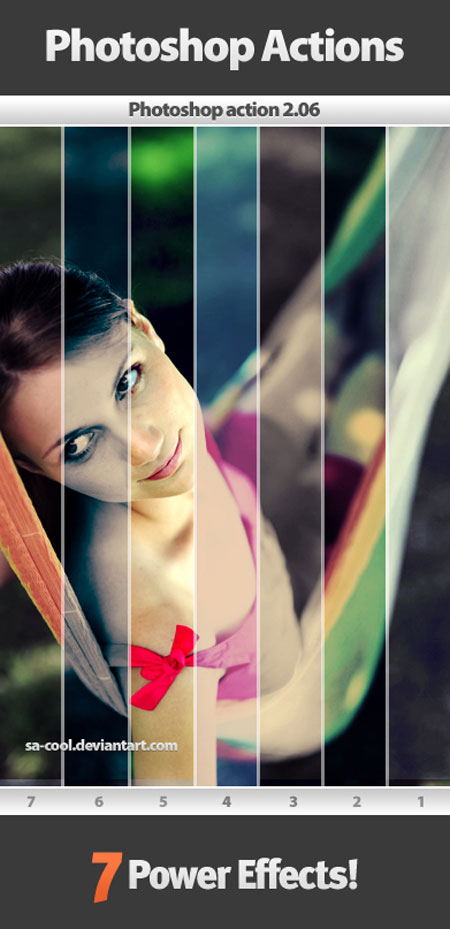
SA-Cool Actions 2.06
Walk in the Sun

What can I find free for you? Want more free fonts? More Photoshop brushes? How about more online applications that do this or that for free? Tell me in the comments what you’d like to see in future installments of Free for All, and I’ll do my best bloodhound impression to track it down for you.
Please note: Free for All will often link to resources hosted on external Web sites outside of the control of development.creativepro.com. At any time those Web sites may close down, change their site or permalink structures, remove content, or take other actions that may render one or more of the above links invalid. As such neither Pariah S. Burke nor development.creativepro.com can guarantee the availability of the third-party resources linked to in Free for All.
This article was last modified on January 18, 2023
This article was first published on April 20, 2011
Commenting is easier and faster when you're logged in!

Recommended for you

How to Adjust Colors Using Photoshop’s Contextual Task Bar
Learn how to use the Photoshop Adjust Colors feature to make quick, non-destruct...

How to Adjust Colors in Photoshop Using Hue and Saturation
Learn how to manipulate an image’s colors using Photoshop’s Hue and Saturation s...

How to Turn a Photo into Graffiti in Photoshop
Create a spray-painted masterpiece in Photoshop with Steve Caplin.