




Return to page 1.
Halftone
Very Large Retro (3 brushes)
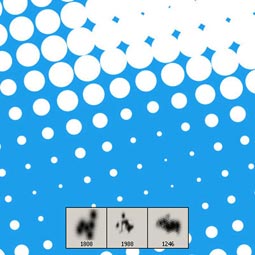
Halftone Pop Dots (6 brushes)
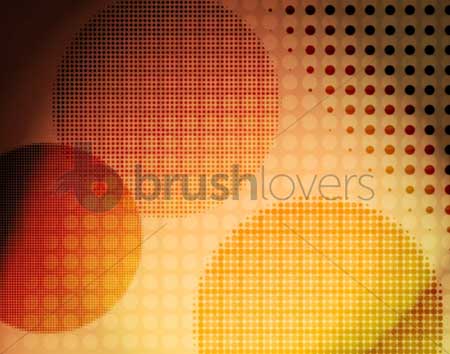
Screentoned Towel (12 brushes)
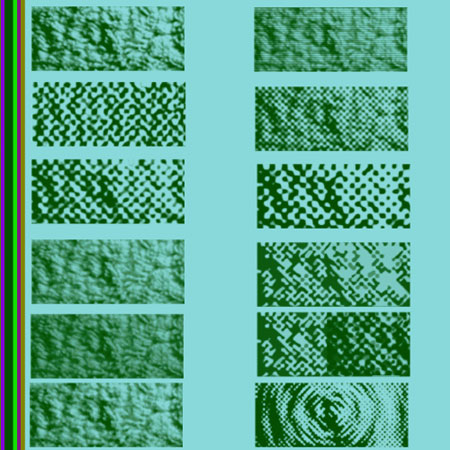
I Heart Halftones (10 brushes)
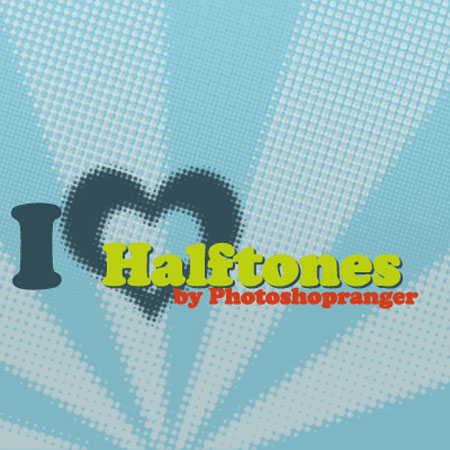
Halftone Gradients (6 brushes)
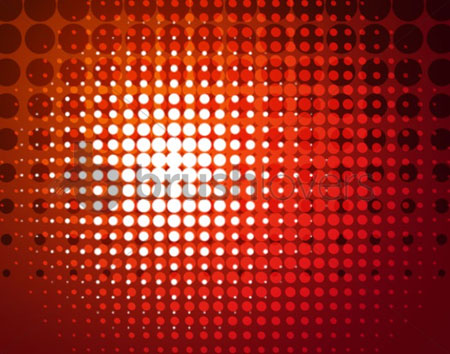
Halftone Frames (4 brushes)
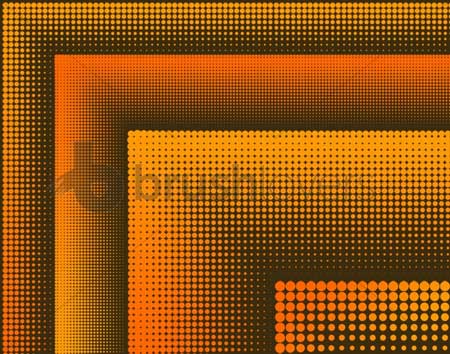
High-Resolution Halftone Dot (20 brushes)
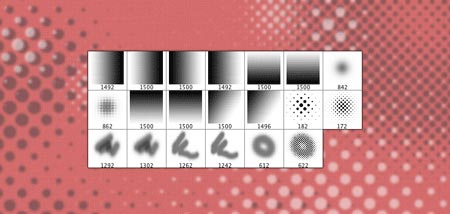
Elliptical Halftone (6 brushes)
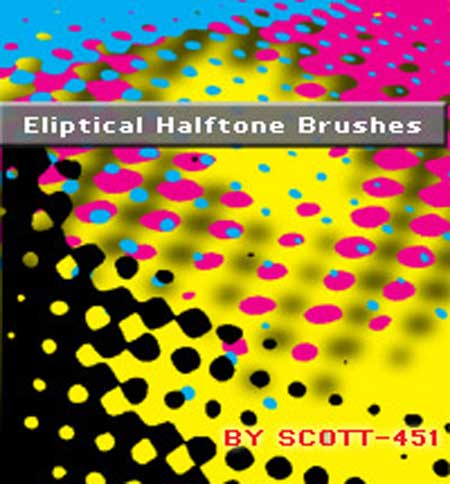
Halftone (16 brushes)
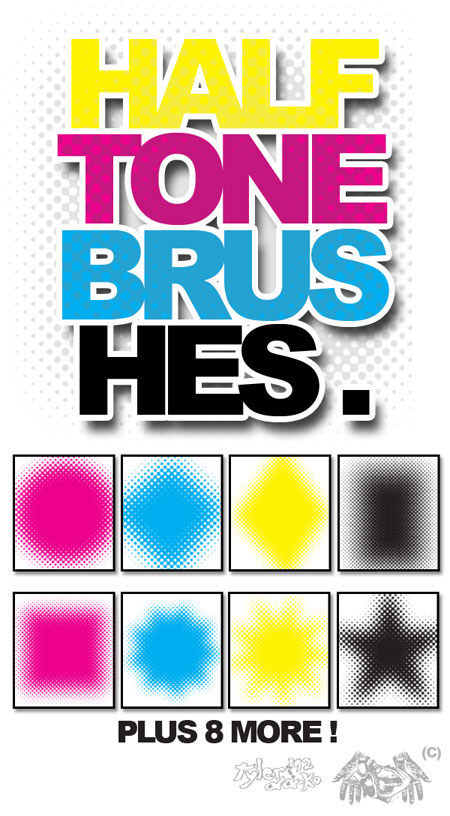
Halftone Grunge (5 brushes)
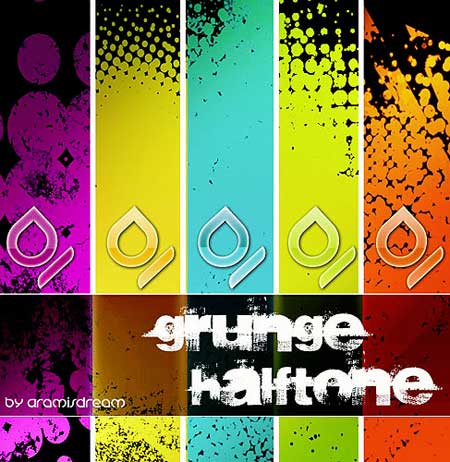
3D Halftone (16 brushes)

Halftone 1 (13 brushes)
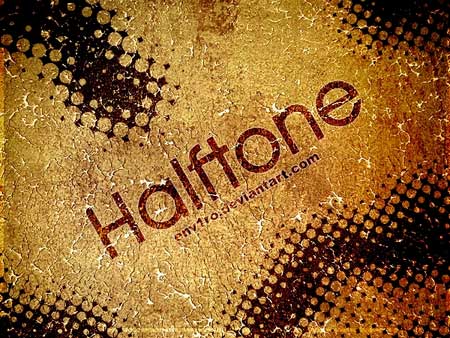
Halftone 2 (12 brushes)
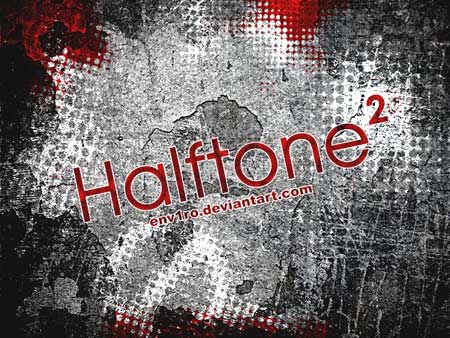
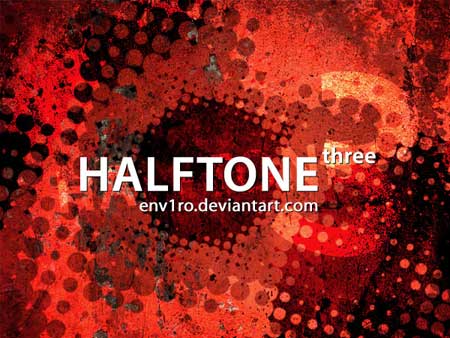
Halftone 3 (11 brushes)
Texture
Clouds (17 brushes)
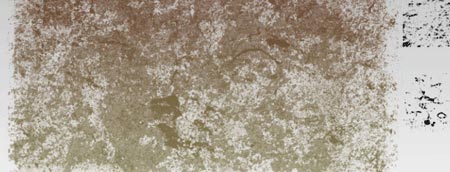
Crumpled Paper (9 brushes)

Urban Square (2 brushes)
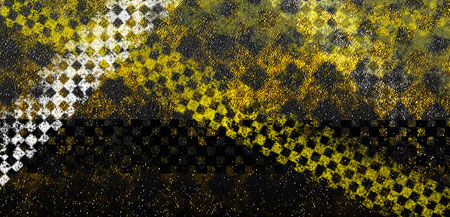
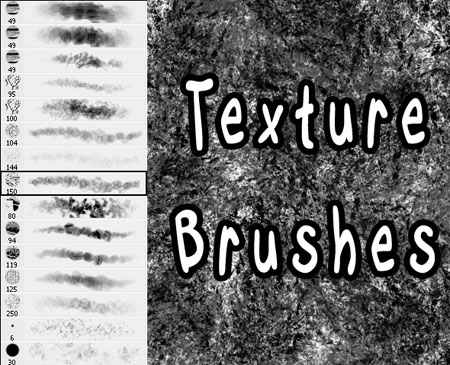
Texture (15 brushes)
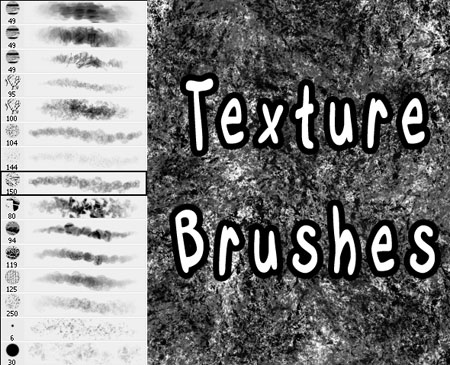
Texture (15 brushes)
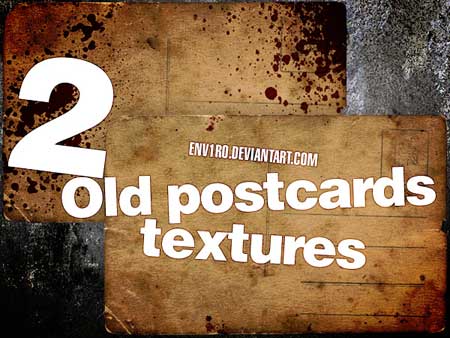
Old Postcards Textures (2 brushes)
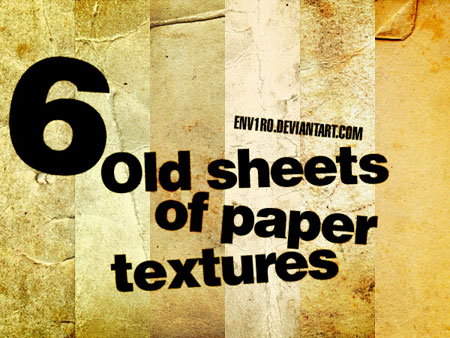
Old Sheets of Paper Textures (6 brushes)
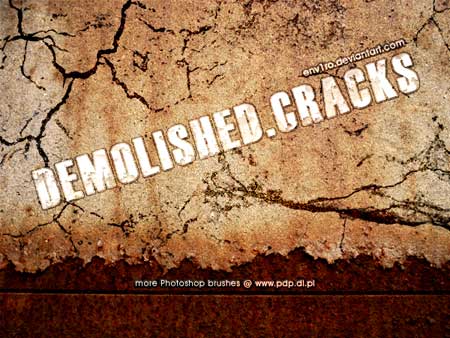
Demolished.Cracks (12 brushes)
Other Effects
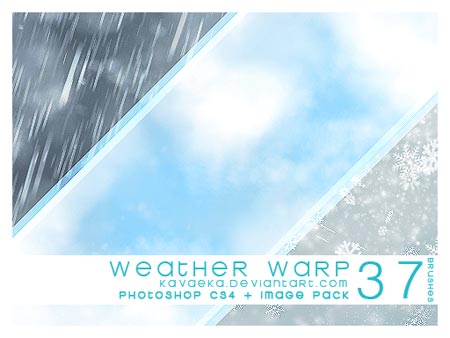
Weather Warp (37 brushes)
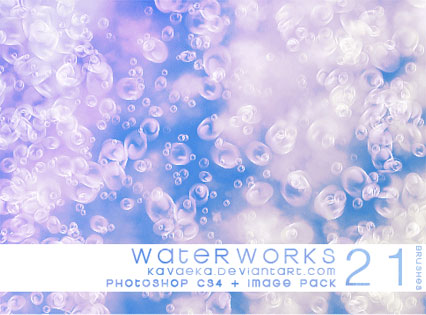
Water Works (21 brushes)
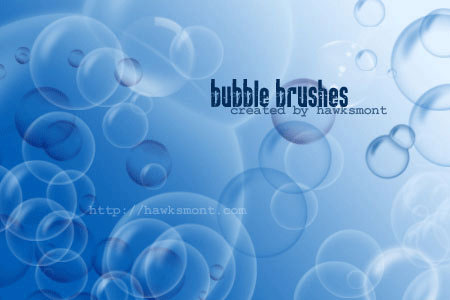
Bubble (9 brushes)
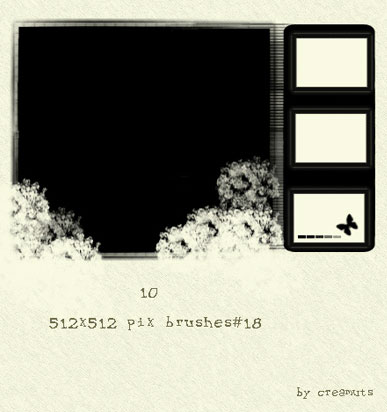
Very Big Brushes No. 18 (10 brushes)
Distressed Grunge (26 brushes)

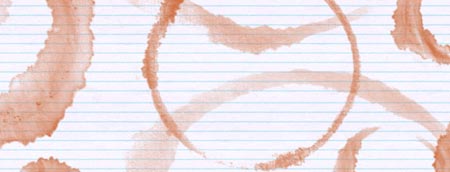
Coffee Stains (10 brushes)
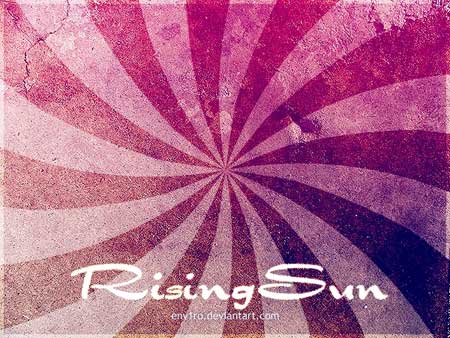
Rising Sun (18 brushes)
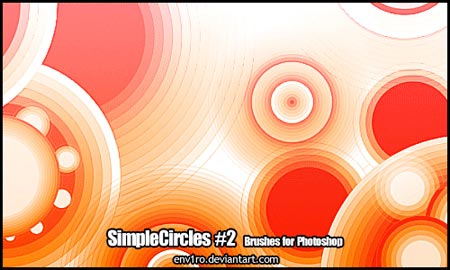
Simple Circles II (6 brushes)
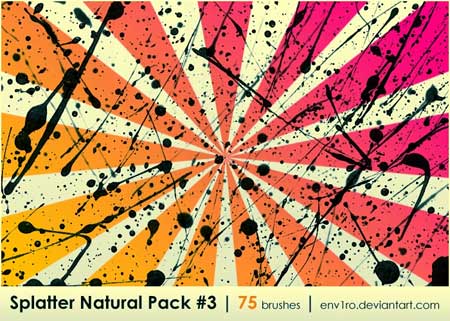
Splatter Natural Pack #3 (75 brushes)
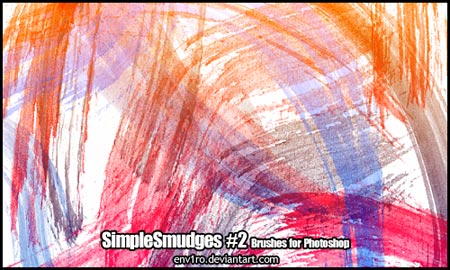
SimpleSmudges 2 (32 brushes)
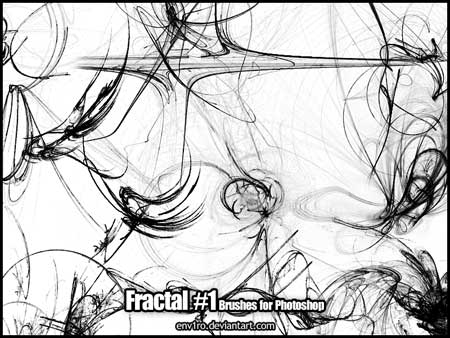
Fractal (30 brushes)
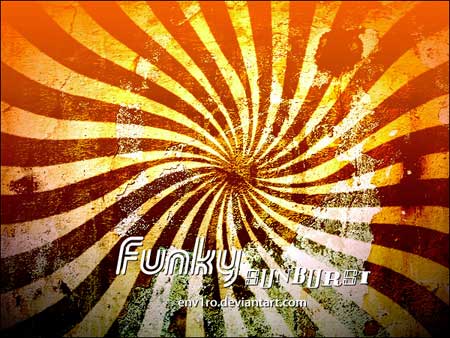
Funky Sunburst (11 brushes)
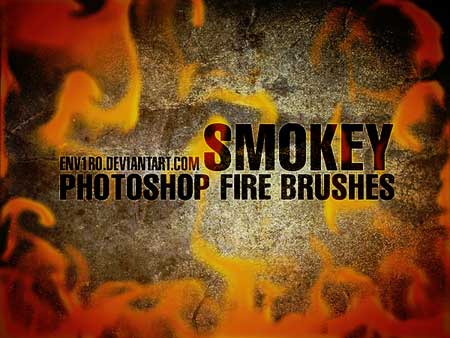
Smokey Fire (50 brushes)
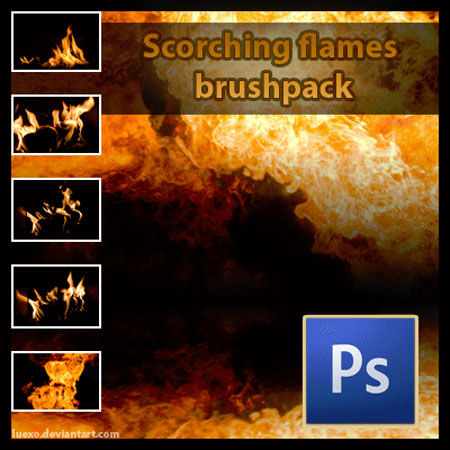
Scorching Flames (44 brushes)
Specifically for Tablet Painting
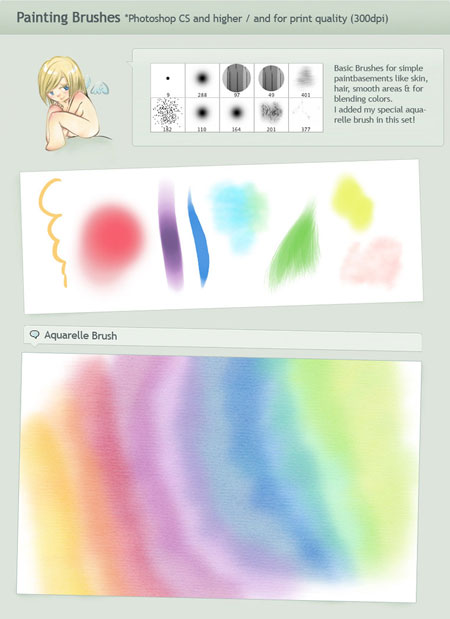
*300 Dpi Painting (Requires Drawing Tablet) (10 brushes)
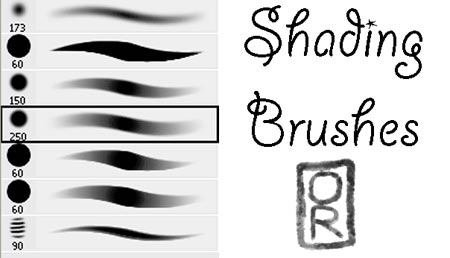
*Shading Brushes (Requires Drawing Tablet) (7 brushes)
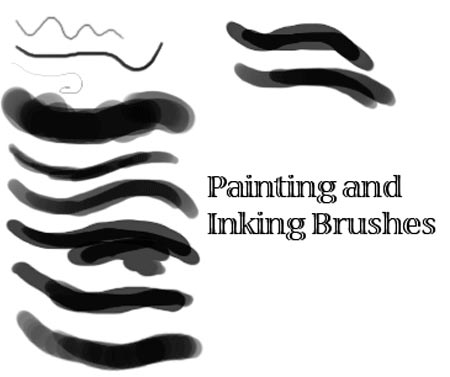
*Painting and Inking (Requires Drawing Tablet) (9 brushes)
Please note: The above links point to resources hosted on external Web sites outside of the control of development.creativepro.com. At any time those Web sites may close down, change their site or permalink structures, remove content, alter their pricing and usage terms, or take other actions that may render one or more of the above links invalid. As such neither Pariah S. Burke nor development.creativepro.com can guarantee the availability, price, or usage license of the third-party resources linked to in this article.
This article was last modified on December 13, 2022
This article was first published on September 28, 2011
Commenting is easier and faster when you're logged in!

Recommended for you

How to Adjust Colors Using Photoshop’s Contextual Task Bar
Learn how to use the Photoshop Adjust Colors feature to make quick, non-destruct...

How to Turn a Photo into Graffiti in Photoshop
Create a spray-painted masterpiece in Photoshop with Steve Caplin.

How to Adjust Colors in Photoshop Using Hue and Saturation
Learn how to manipulate an image’s colors using Photoshop’s Hue and Saturation s...