



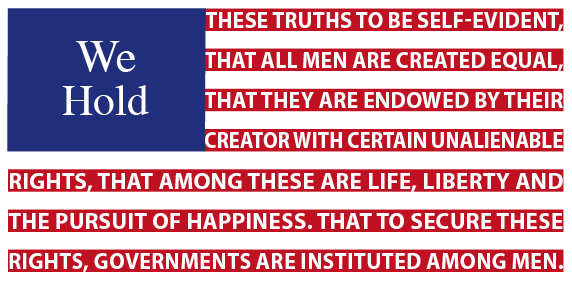
In honor of the upcoming Independence Day celebrations, I have created a few different flags inside InDesign.
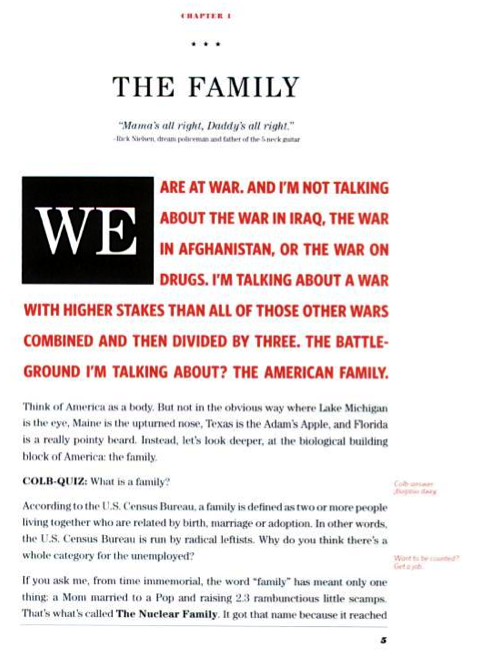
Before I get started, I wanted to share with you my inspiration for this post. Steven Colbert’s Book, I Am America and So Can You has beautiful typography and it gave me the idea for this post.
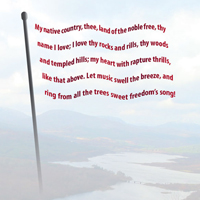
Also after working on this post, I did a quick search to see if anyone else has done this before and sure enough, Keith Gilbert wrote up a wonderful tutorial for a similar, but different, effect inside InDesign.
Now that I have my inspiration out of the way, let’s get started.
The American Flag
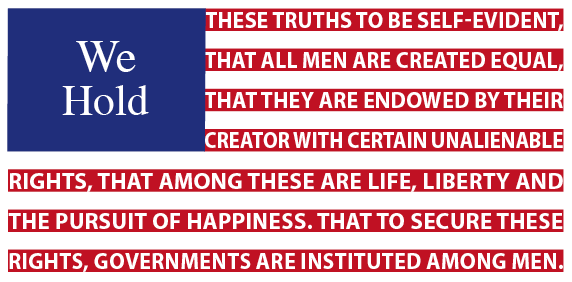
I began by creating a rectangular text frame and pasted in the first few lines from the Declaration of Independence. After increasing the line spacing, I added a red underline with a negative offset and increased the underline’s thickness.
Next, I centered the text “we hold” in a blue text frame and used text wrap to push the 1st four lines over to finish the US flag.
French Flag

Since Bastille Days is upon us before we know it (July 14th if you don’t), I also created the French flag. I started the same way, but used line styles (CS4 only) for each section. Afterward, I just rotated the frame to its current state.
German Flag
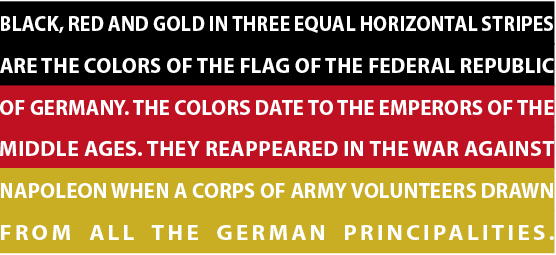
I repeated the process with the German Flag for their Unity Day celebration on October 3rd (just a little bit early). I even tried to apply Keith’s technique, but unfortunately, it falls apart when you try and put the type on a path.
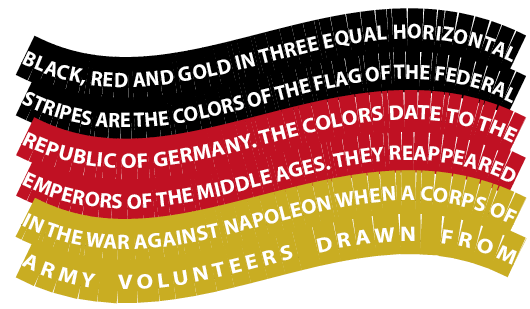
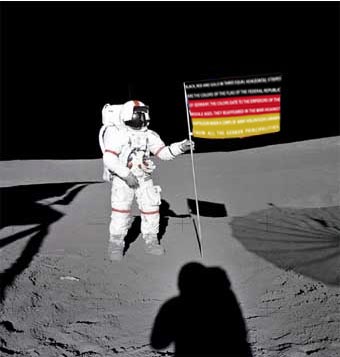
What you end up doing with the flags is up to your imagination.


This article was last modified on December 1, 2023
This article was first published on July 2, 2009
Commenting is easier and faster when you're logged in!

Recommended for you

How to Be a Better Graphic Designer: Sweat the Details
Nigel French reminds us how much the little things matter in design.
How to Collapse All Layer Groups in Photoshop
Khara Plicanic shows how to manage your layer groups in Photoshop with one quick...

Free Webinar: Visualize Ideas Faster with Adobe Firefly Boards
Learn how Adobe Firefly Boards can help you brainstorm, organize ideas, and expl...