


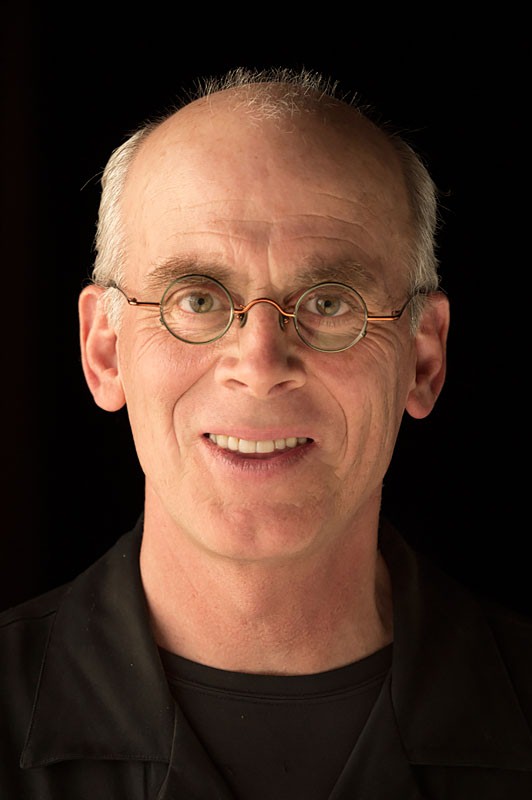
Through a special arrangement with Adobe, development.creativepro.com will be posting nifty Photoshop tips and techniques by none other than Russell Brown, Adobe’s digital imaging guru and Photoshop maestro. As one of the original contributors to Photoshop, Russell knows the program inside and out. Don’t know who Russell is? Find out!
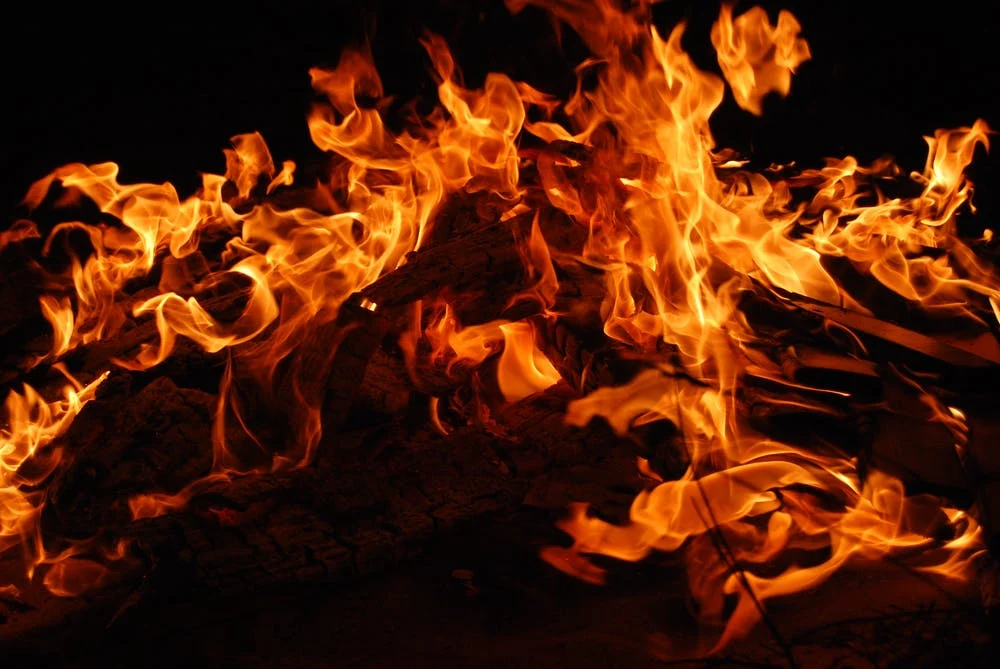
In this PDF tutorial, “Extracting Flames,” Russell shows you how to extract flames from one image (rather tricky to do) and then mask them into another. Hot stuff indeed.
This is the first of many tutorials penned by Mr. Brown that you’ll find on development.creativepro.com.
To get started, open the PDF file.
To open the PDF, you’ll need Adobe Acrobat Reader. Get it here.
This article was last modified on January 3, 2023
This article was first published on January 2, 2002
Commenting is easier and faster when you're logged in!

Recommended for you

How to Adjust Colors in Photoshop Using Hue and Saturation
Learn how to manipulate an image’s colors using Photoshop’s Hue and Saturation s...

Using Photoshop’s Generative Fill to Remove Objects
Learn how to simply remove items from an image in Photoshop, without extra conte...

How to Turn a Photo into Graffiti in Photoshop
Create a spray-painted masterpiece in Photoshop with Steve Caplin.