




This tutorial is courtesy of the Russell Brown Show.
Camera Raw gives you fast and easy access to the data hidden in photos. Best of all, it comes with Photoshop! In this tutorial, I show you how to bring out the colors and the qualities of an image shot by photographer Clark Little.
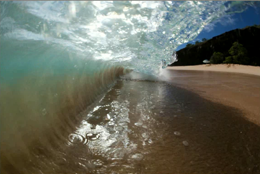
The original is fine:
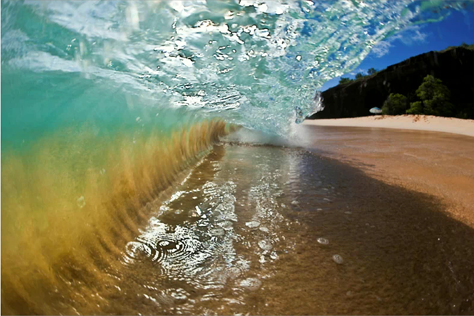
But with a little processing in Camera Raw, it becomes even stronger:
Click on the image below to follow me step by step.
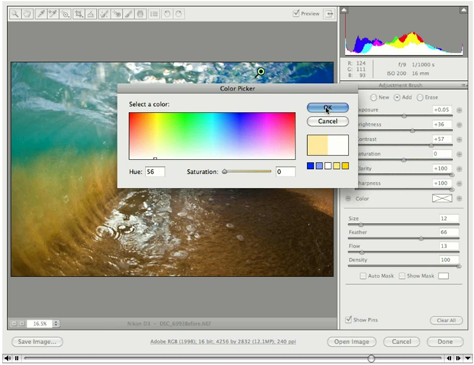
Be sure to download the most recent version of Camera Raw by going to Help > Updates in Photoshop or Bridge.
This article was last modified on January 5, 2023
This article was first published on February 4, 2010
Commenting is easier and faster when you're logged in!

Recommended for you

How to Adjust Colors Using Photoshop’s Contextual Task Bar
Learn how to use the Photoshop Adjust Colors feature to make quick, non-destruct...

How to Adjust Colors in Photoshop Using Hue and Saturation
Learn how to manipulate an image’s colors using Photoshop’s Hue and Saturation s...

How to Turn a Photo into Graffiti in Photoshop
Create a spray-painted masterpiece in Photoshop with Steve Caplin.