



In this CreativePro Week sneak peek video, Dave Clayton demos a quick way to fill a shape with a repeating pattern of the shape itself. Using the Phantasm plug-in from Astute Graphics, he has complete control over the size, angle, and layout of the pattern and is able to easily apply it to other shapes as well as easily update it.
This video is a sneak peek of Dave’s CreativePro Week 2023 sessions. See the full agenda and register for the conference—both in-person in Phoenix, Arizona and online—at CreativeProWeek.com.
This article was last modified on August 29, 2025
This article was first published on March 14, 2023
Commenting is easier and faster when you're logged in!

Recommended for you

Livestream Video: Photoshop on the iPhone
Join Khara Plicanic to learn what you can (and can't) do with Photoshop on the i...
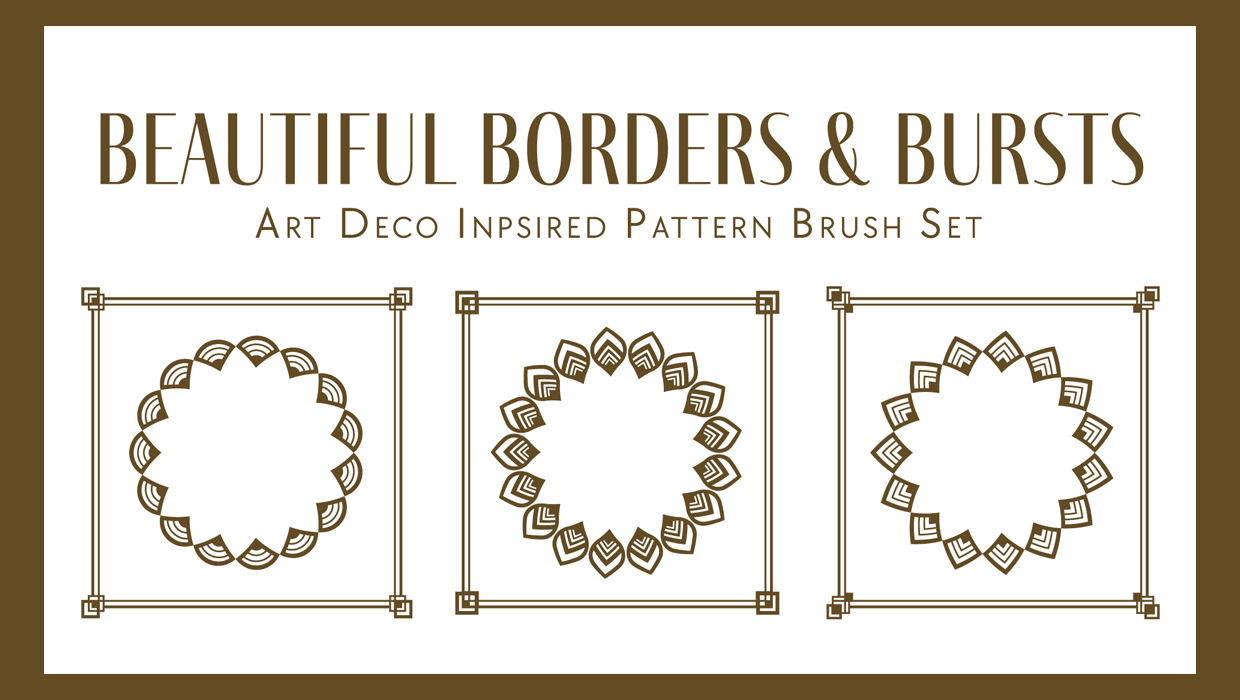
Illustrator Downloadable: Art Deco Borders and Brushes
Custom patterns and brushes to add a sleek and swanky style to your designs
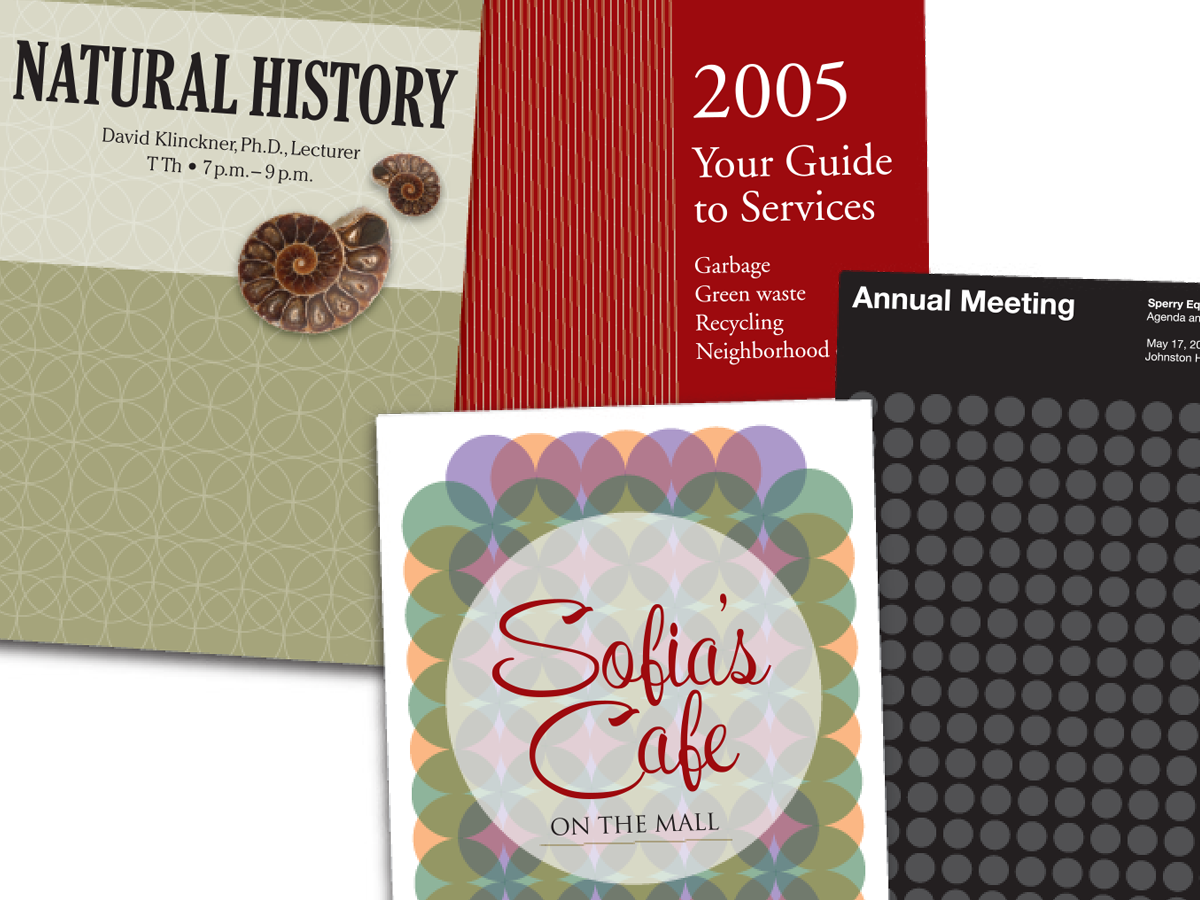
Before&After: Easy Cover Patterns
Using this step-and-repeat technique, you can make artistic covers in no time!