



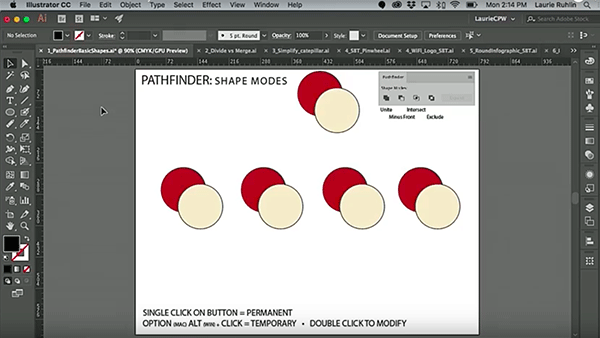
In this week’s CreativePro video, Laurie Ruhlin takes the mystery out of Illustrator’s Pathfinder panel. She demonstrates how each of the options will affect selected objects and shows how to keep those affected objects live and editable! Taken from Laurie’s session at CreativePro Week 2018 in New Orleans.
New videos every Tuesday on our CreativePro YouTube channel. Be sure to subscribe so you don’t miss any!
This article was last modified on October 30, 2018
This article was first published on October 30, 2018
Commenting is easier and faster when you're logged in!

Recommended for you
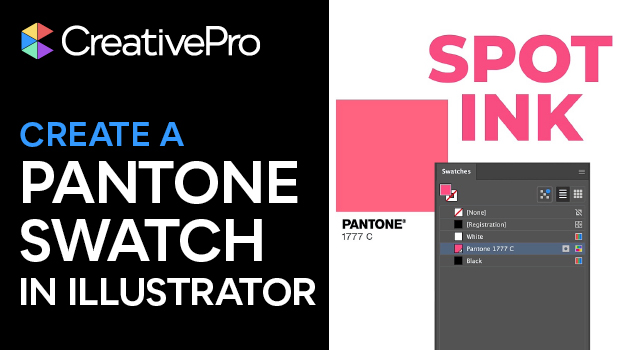
Create a Pantone Swatch in Illustrator
Make your own Pantone Swatch colors in Illustrator with Theresa Jackson.
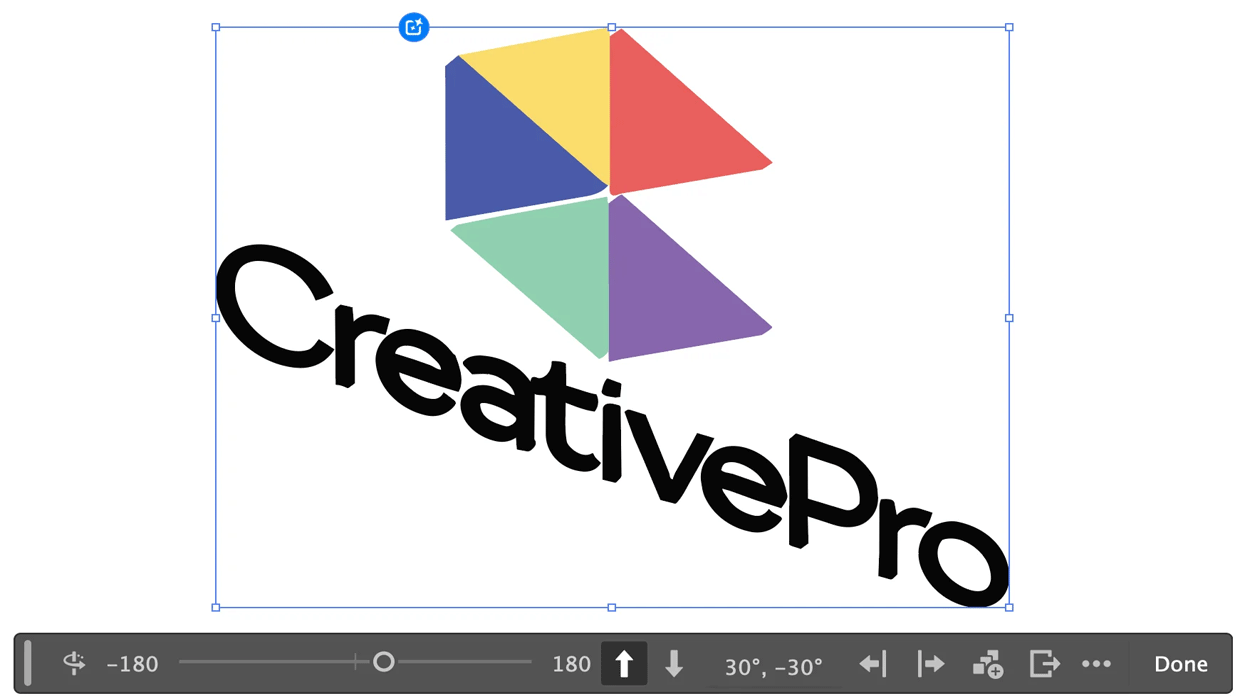
Rotating Objects in Illustrator Using Turntable
Generate vector objects from a variety of angles with the help of AI
Livestream Video: Quick & Easy Vectors with Illustrator’s Shape Builder Tool
Join Khara Plicanic as she explores an easier way of drawing vector shapes in Il...