



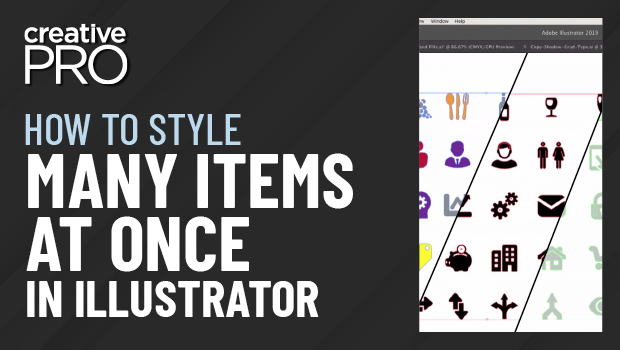
In this week’s CreativePro video, Mark Heaps shares an Illustrator tip on making adjustments to multiple items at once. Using the Appearance panel, he shows us how easy it is to make wholesale, non-destructive changes across our designs.
New videos every Tuesday on our CreativePro YouTube channel. Be sure to subscribe so you don’t miss any!
This article was last modified on August 29, 2025
This article was first published on June 26, 2019
Commenting is easier and faster when you're logged in!

Recommended for you
Using the Gradient Panel in Illustrator
A quick introduction to creating, modifying, and outputting gradients in Illustr...
Managing Artboards in Illustrator
Useful tips for working with artboards in Illustrator, including locking, arrang...
Work Week Projects: 5 Essential Illustrator Skills
Five quick exercises to do while you're at work to learn important skills in Ill...