




In this week’s CreativePro video, Deke McClelland shows how to easily fix color in a photo—in this case, one taken underwater. Using Photoshop’s Levels, he brings out color seemingly missing from the original image.
New videos every Tuesday on our CreativePro YouTube channel. Be sure to subscribe so you don’t miss any!
This article was last modified on August 29, 2025
This article was first published on December 4, 2019
Commenting is easier and faster when you're logged in!

Recommended for you

Interview with Nicte Cuevas, Brand Strategist and Designer
An award-winning strategist shares how personal resilience, cultural heritage, a...
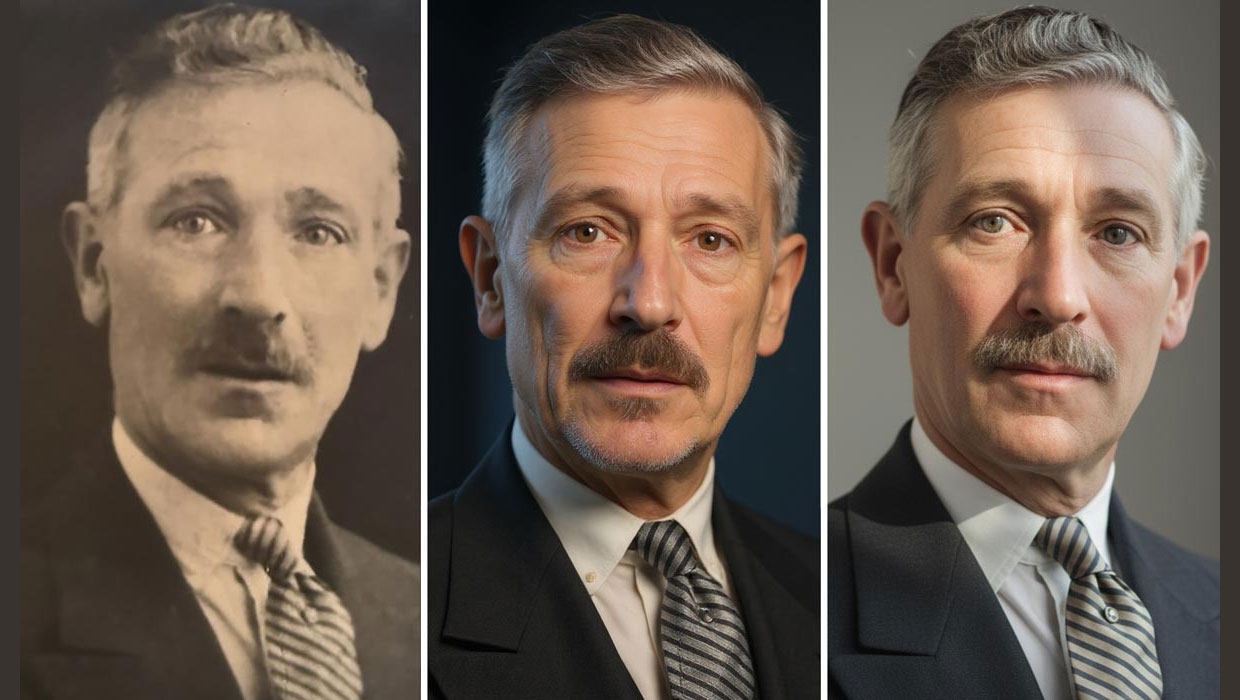
Nano Banana and Flux Kontext Pro: Using Third-Party AI Models in Photoshop
Partner models add powerful new options for Generative AI in Photoshop

Free Webinar: Wrangle Your Adobe Swatches
Learn practical, time-saving ways to organize, share, and control color across A...