



In this week’s CreativePro video, Steve Caplin shows how to select a photo’s highlights in Photoshop and appear to turn a daytime shot into nighttime one.
New videos every Tuesday on our CreativePro YouTube channel. Be sure to subscribe so you don’t miss any!
This article was last modified on January 29, 2019
This article was first published on January 29, 2019
Commenting is easier and faster when you're logged in!

Recommended for you
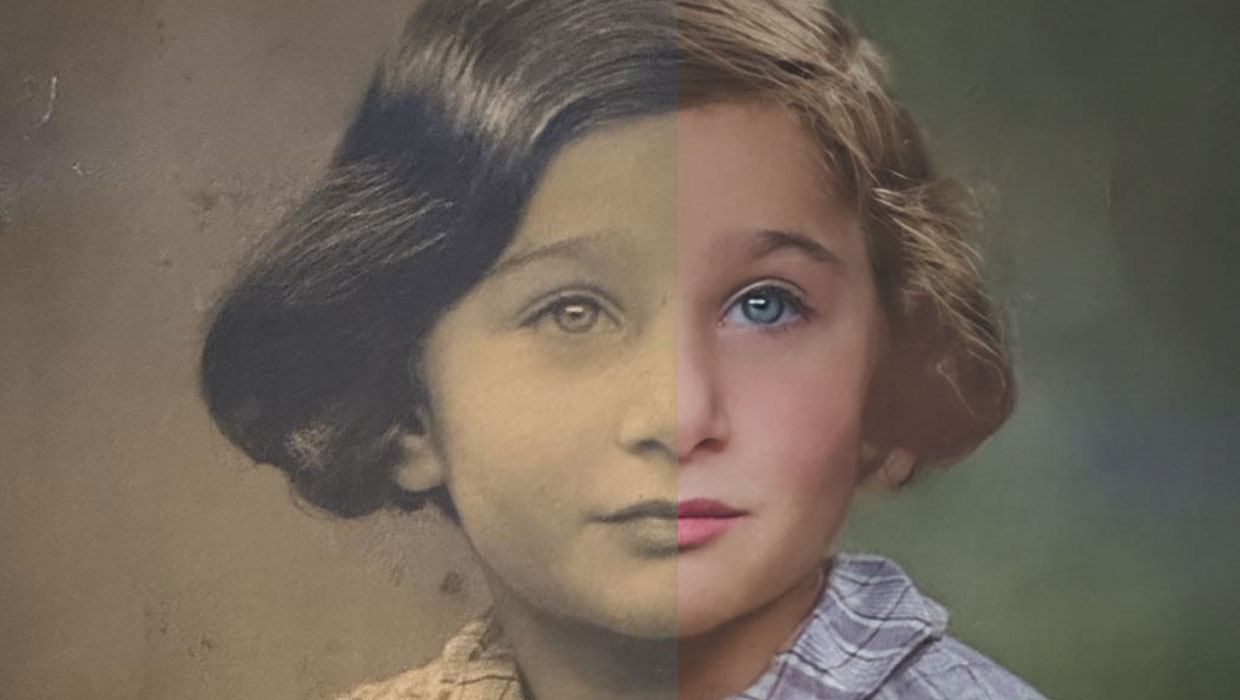
Using the Photo Restoration Neural Filter in Photoshop
This Neural Filter uses AI to remove scratches and other damage, and enhance fac...

Creating Fluffy Text with AI in Photoshop
How to create a fun text effect that looks like fluffy fur on a grass background...

How to Adjust Colors in Photoshop Using Hue and Saturation
Learn how to manipulate an image’s colors using Photoshop’s Hue and Saturation s...