


How to Create a Cinemagraph in Photoshop
Learn how easy it is to make a cinemagraph, where a portion of a still image is moving, creating a hybrid that feels fluid.

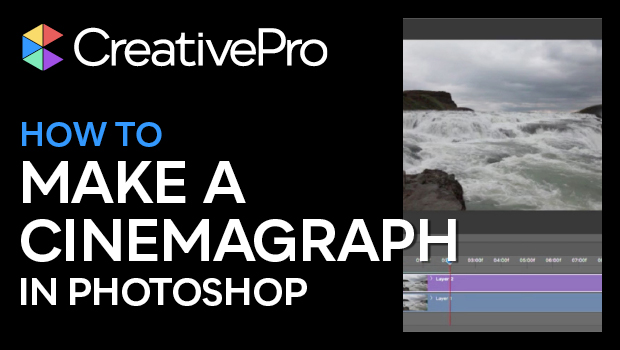
In this “Three Minutes Max” video, Julieanne Kost shows off a quick technique to create a cinemagraph from a video clip. These images add subtle movement to a photograph to create a hybrid that feels fluid without being too distracting.
Three Minutes Max comes from a fun—yet very competitive—session at our annual CreativePro Week conference. Speakers have three minutes to wow the audience with the tip and win a prize for a lucky conference attendee.
Subscribe to the CreativePro YouTube channel for more helpful design tips!
This article was last modified on January 17, 2024
This article was first published on January 22, 2019
Commenting is easier and faster when you're logged in!

Recommended for you
What’s New in Photoshop: April 2026
New features for removing unwanted people and objects, rotating objects, and ren...

Adobe Certified Professional Exam Prep Guides
Use these self-assessment guides to determine what you should study to pass the...
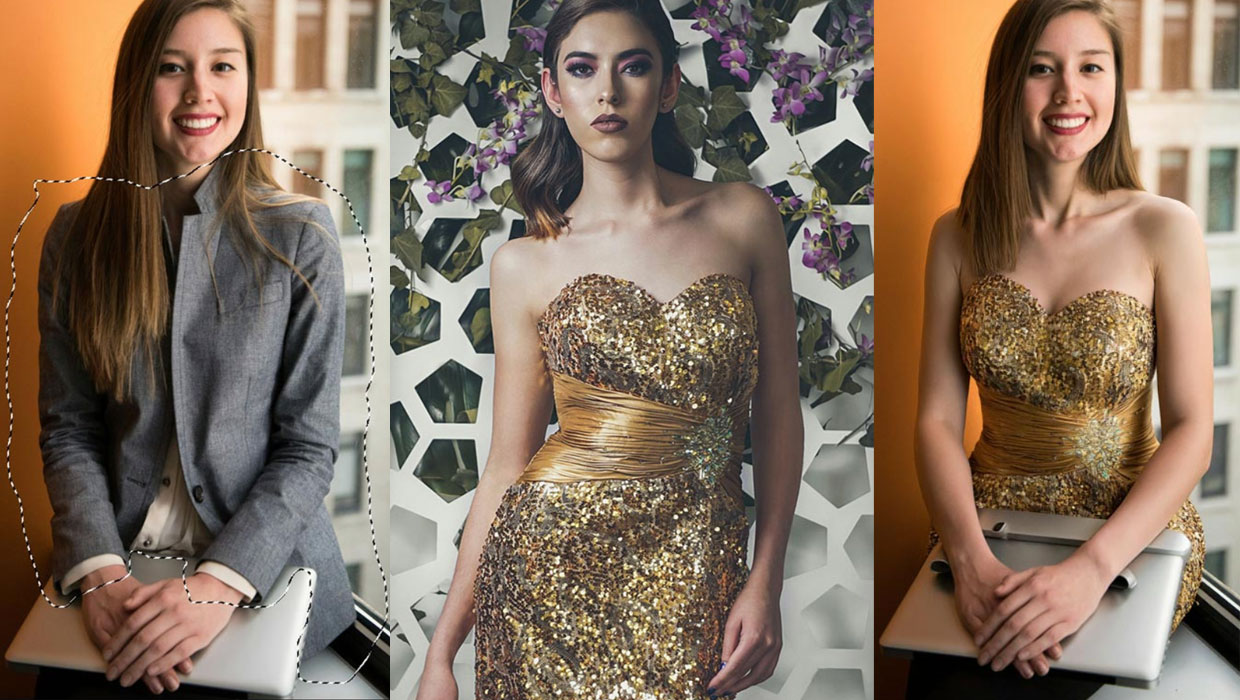
Generating Image Content with Reference Objects in Photoshop
Learn how to replace individual elements within an image using reference objects...