



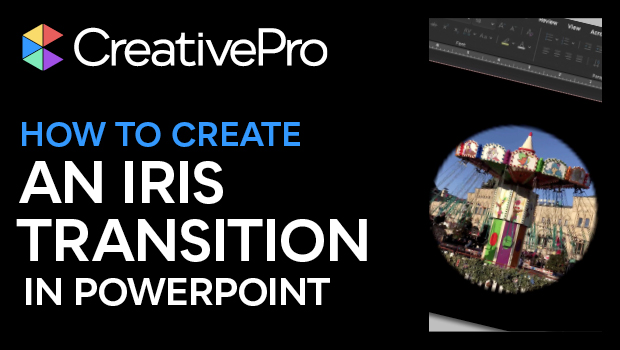
In this PowerPoint video, Mike Parkinson shows how to build an opening iris effect into a presentation. By creating and merging shapes, he uses the built-in animations to create a cinematic transition.
This tutorial was taken from Mike’s “Hollywood FX for a Virtual Audience” session at our 2021 PowerPoint Presentation Design Deep Dive. Visit our Events page for all current and upcoming events.
Subscribe to the CreativePro YouTube channel for more helpful design tips!
This article was last modified on August 29, 2025
This article was first published on March 10, 2021
Commenting is easier and faster when you're logged in!

Recommended for you

Five Super Slide Makeover Techniques
Team up with the “Fantastic Five” to become a presentation design superhero.
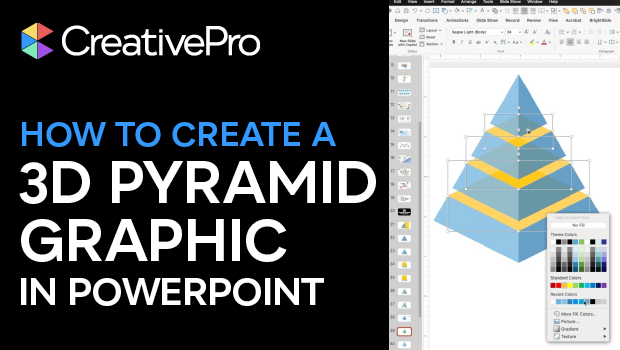
How to Create a 3D Pyramid Graphic in PowerPoint
Build a professional 3D pyramid graphic entirely in PowerPoint with Mike Parkins...
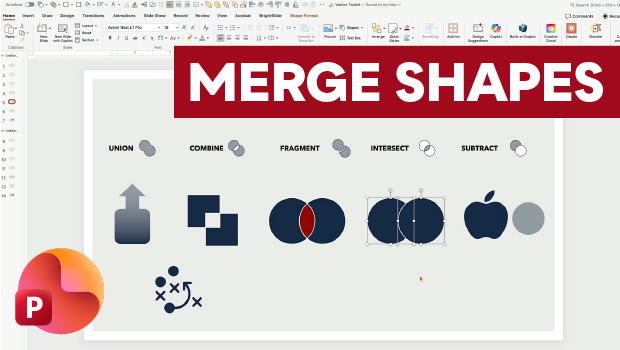
Getting the Most from PowerPoint’s Merge Shapes Feature
Explore Merge Shapes, one of PowerPoint's most powerful tools, with Nolan Haims!