



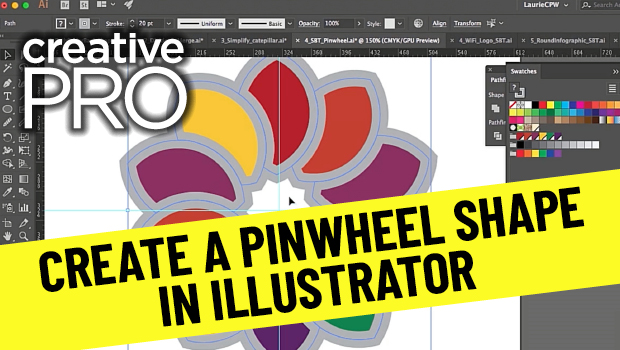
In this video, Laurie Ruhlin shows how to create a repeating pinwheel shape in Illustrator. Taken from her session at CreativePro Week 2018, she demos duplicating and merging shapes with the Shape Builder tool then uses the Pathfinder to delete unwanted portions.
New videos every other Tuesday on our CreativePro YouTube channel. Be sure to subscribe so you don’t miss any!
This article was last modified on August 29, 2025
This article was first published on January 11, 2021
Commenting is easier and faster when you're logged in!

Recommended for you
Free Webinar: Cross App Power Hour with Illustrator, InDesign, and Firefly
Explore practical AI-powered tools in Illustrator, InDesign, and Firefly that wi...

Creating Quick Mockups in Illustrator
How to use the Mockup panel in Illustrator to preview what your art will look li...

CreativePro Week 2026 Preview: 5 Pixel-Perfect Photoshop and Illustrator Sessions
Our Editor in Chief lists his must-see Photoshop and Illustrator sessions at Cre...