




In this week’s CreativePro video, Nigel French demonstrates how to make a color palette from a photo in Illustrator. Where many color theme creators only create a five-color palette, Nigel’s method lets you choose as many colors as you want.
New videos every Tuesday on our CreativePro YouTube channel. Be sure to subscribe so you don’t miss any!
This article was last modified on August 29, 2025
This article was first published on August 7, 2019
Commenting is easier and faster when you're logged in!

Recommended for you

Accessibility Tips for Presentation Designers
Use these quick, no-stress fixes to make your slides more accessible.
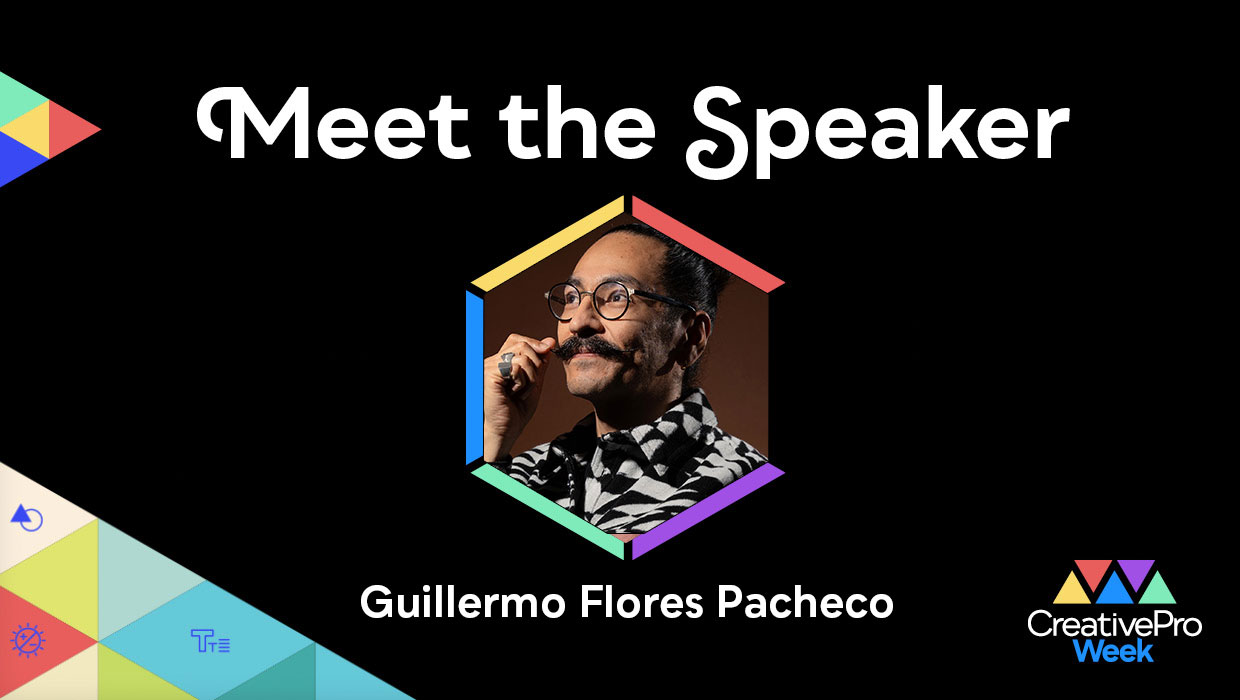
Interview with Guillermo Flores Pacheco, Art Director and Illustrator
The artist behind the Photoshop splash screen shares his process and perspective...

CreativePro Week 2026 Preview: 6 Auspicious AI Sessions
Six sessions to help you put artificial intelligence to genuinely intelligent us...