



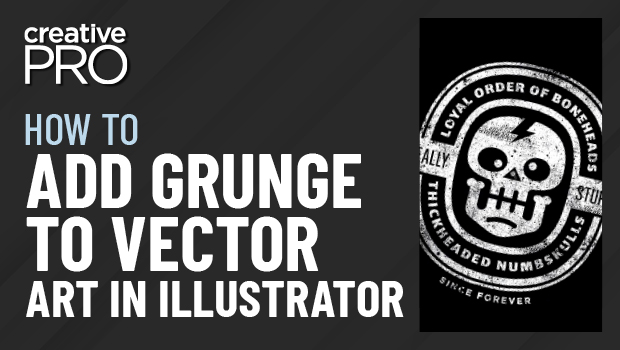
In this “Three Minutes Max” video, Von Glitschka shows off a quick way to make vector art look a little less clean. He adds grunge using bitmapped artwork then converts it to vectors to create a more organic design ready for screen printing.
New videos every week on the CreativePro YouTube channel. Be sure to subscribe so you don’t miss any!
This article was last modified on August 29, 2025
This article was first published on January 19, 2021
Commenting is easier and faster when you're logged in!

Recommended for you
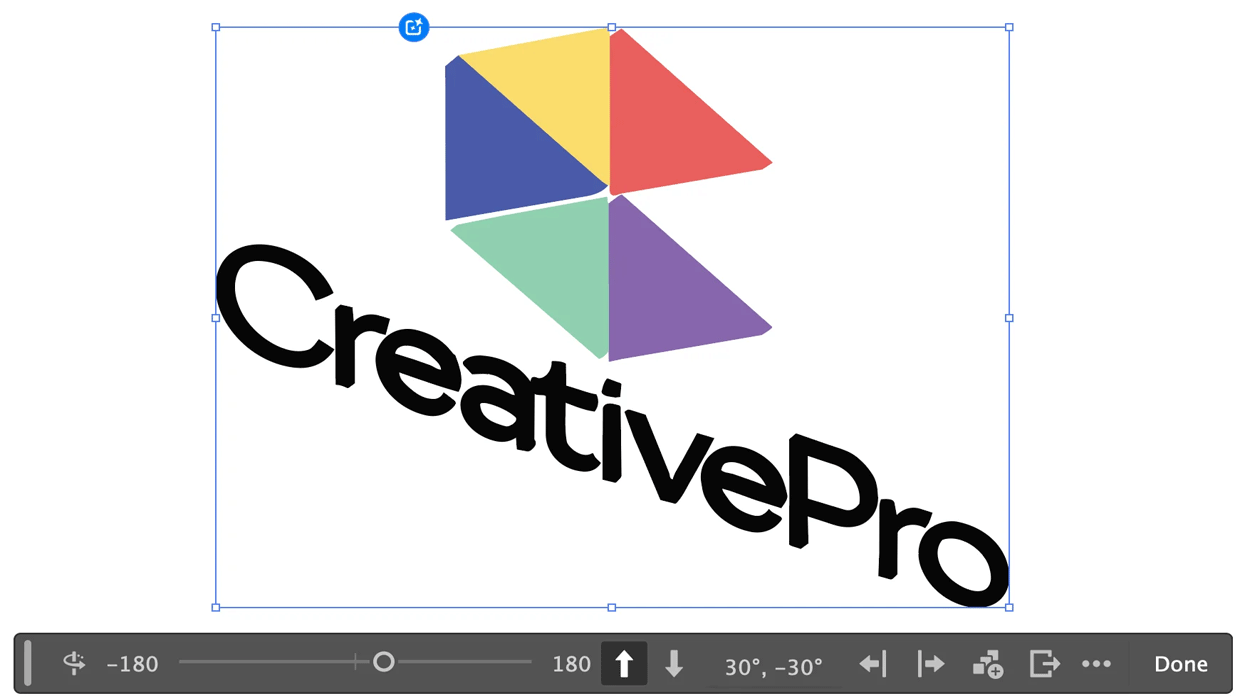
Rotating Objects in Illustrator Using Turntable
Generate vector objects from a variety of angles with the help of AI
Create a Pantone Swatch in Illustrator
Make your own Pantone Swatch colors in Illustrator with Theresa Jackson.
Free Webinar: Cross App Power Hour with Illustrator, InDesign, and Firefly
Explore practical AI-powered tools in Illustrator, InDesign, and Firefly that wi...