




One of the main benefits of creating artwork in vector format is that it will remain crisp and sharp at any size output. But what if you want soft edges in some places? Did you know that you can apply Gaussian Blur to objects in Illustrator?
Just select the object(s) you want to soften and choose Effect > Blur > Gaussian Blur.
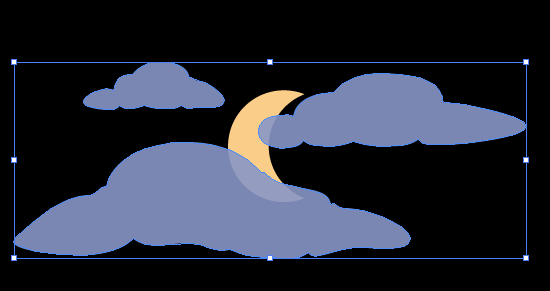
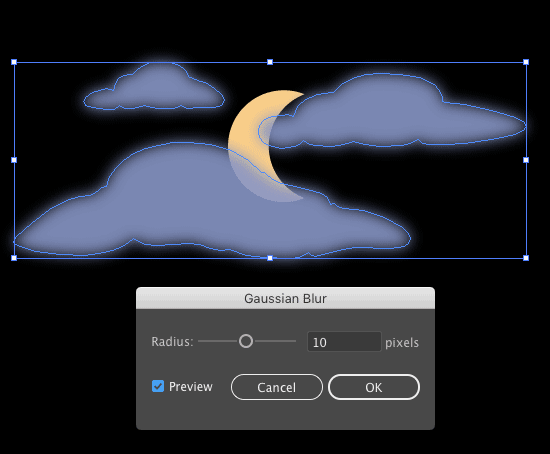
In the dialog box, turn on the Preview option and increase the Radius value until you like the look of the effect.

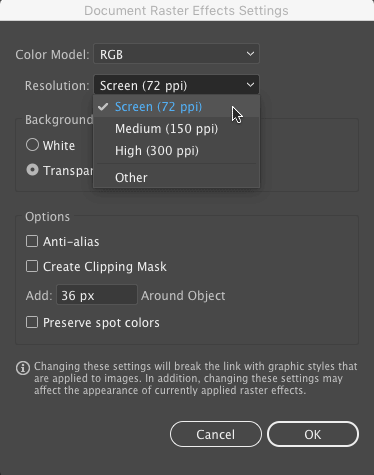
Note that the blur is a raster effect, so you need to visit the Document Raster Effects Settings (also found in the Effects menu), and set the appropriate resolution for your intended output.
This article was last modified on September 30, 2024
This article was first published on September 14, 2017
Commenting is easier and faster when you're logged in!

Recommended for you
Premiere: It’s Not Just For Video
Designers using InDesign and Photoshop can look at Premiere as a surprising reso...
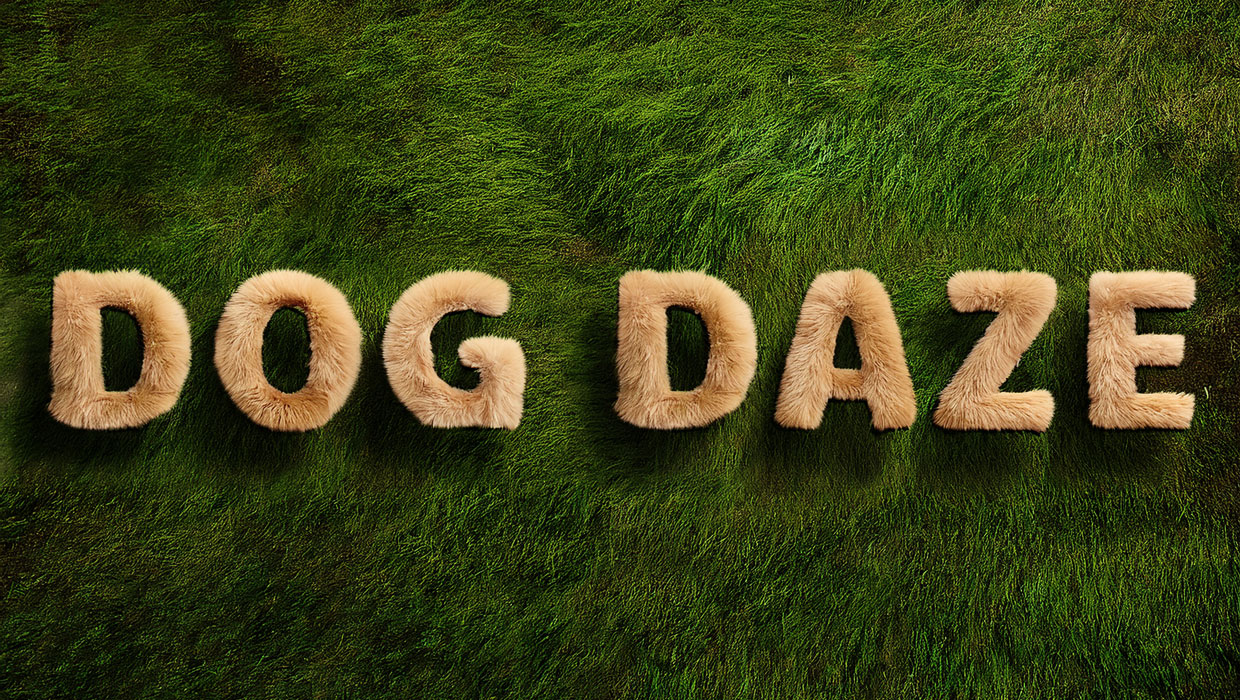
Creating Fluffy Text with AI in Photoshop
How to create a fun text effect that looks like fluffy fur on a grass background...
How to Draw a Curvy Line in InDesign
Learn how to create a curved line in InDesign, using the Pen tool then make adju...