



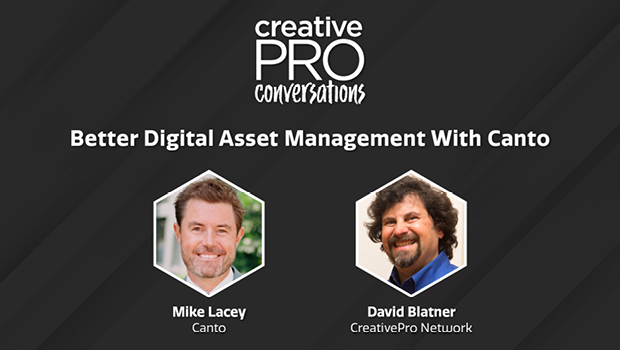
In this CreativePro Conversation, David Blatner sits down to chat with Mike Lacey from Canto, a veteran player in the digital asset management realm. Mike demonstrates how Canto works within a browser to organize all of your assets, from images to text files to PDF documents. He also shows the massive amount of information you can enter for each asset and how you can customize how all the assets are organized.
For over 30 years, Canto has defined the digital asset management (DAM) industry and ushered it into the modern era, making DAM both simple and scalable. They have helped thousands of brands – from big-name multinationals to small NGOs – take control of their media libraries and get more out of their digital assets.
CreativePro Conversations is a new video series which brings together creative professionals from a variety of fields to talk about design, communication, efficiency, learning, and how to get the work done.
Some of these conversations come from interviews presented at our online and live events and some are informal discussions among peers. But every CreativePro Conversation focuses on one thing: how to help organizations and individuals thrive, by design.
This article was last modified on August 29, 2025
This article was first published on September 18, 2022
Commenting is easier and faster when you're logged in!

Recommended for you
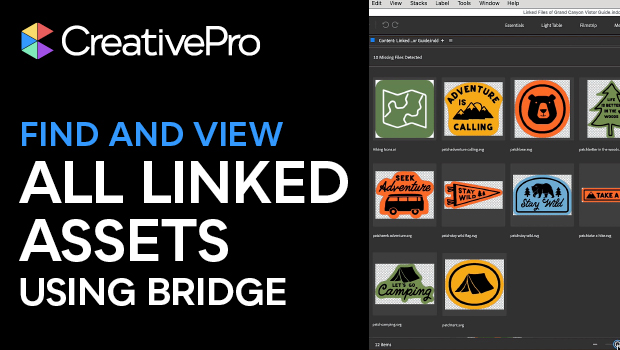
Use Bridge to Find and View All Linked Assets in an InDesign File
Quickly find and collect every linked asset in your InDesign project using this...
Making Tables Accessible
Learn how to correctly tag complex PDF table headers for screen readers with Dax...

Gathering Video Assets for Premiere Projects
Import, acquire, animate, and use AI to generate video content for Premiere
