




If you’re a Mac-using photographer looking for a way to showcase your work in professional quality slideshows, check out FotoMagico by Boinx Software.

It offers the ability to combine still images, sound, and video, along with transitions, pan and zoom, and text effects. Finished results can be exported for web, iPad, iPhone, or a DVD.
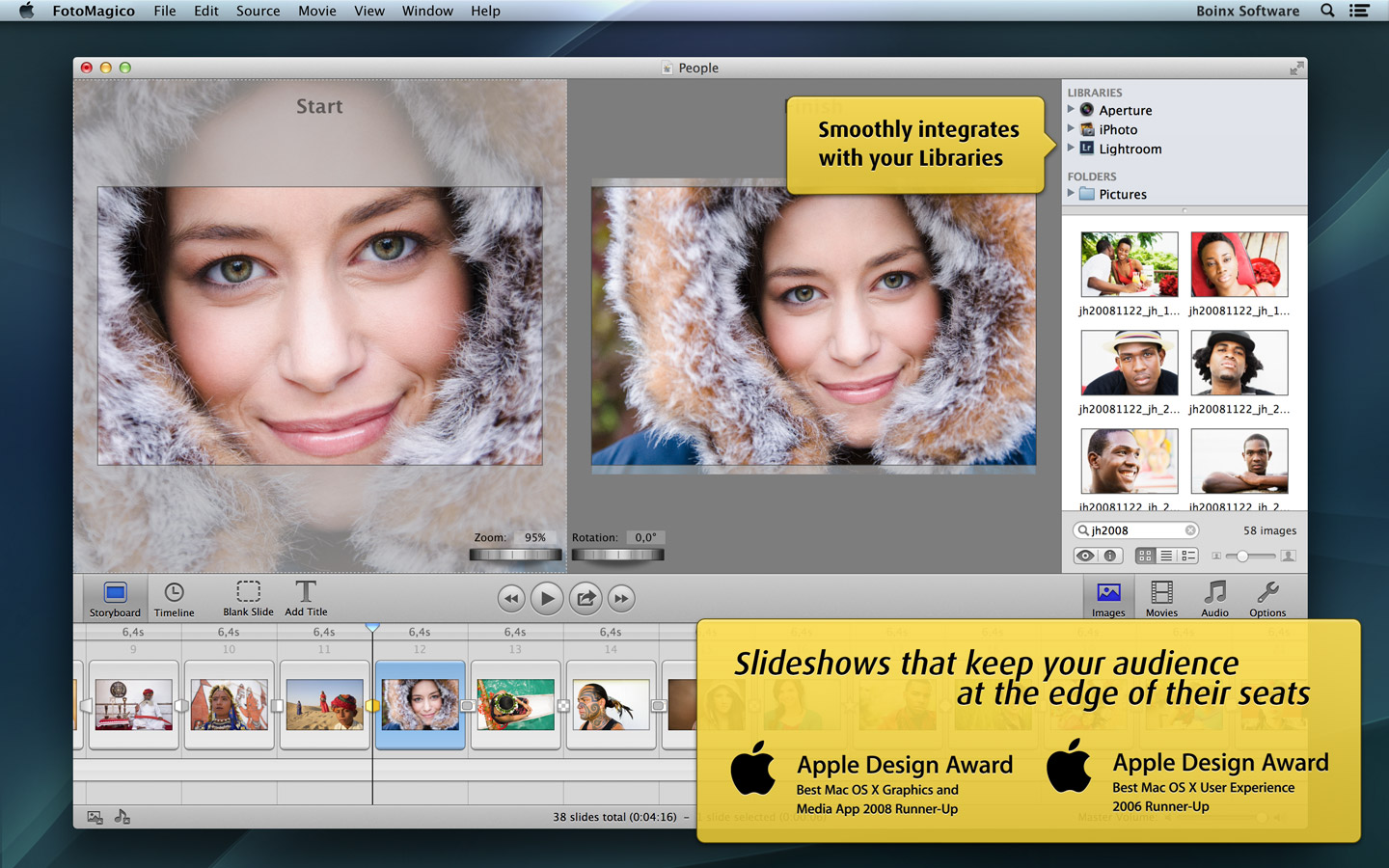
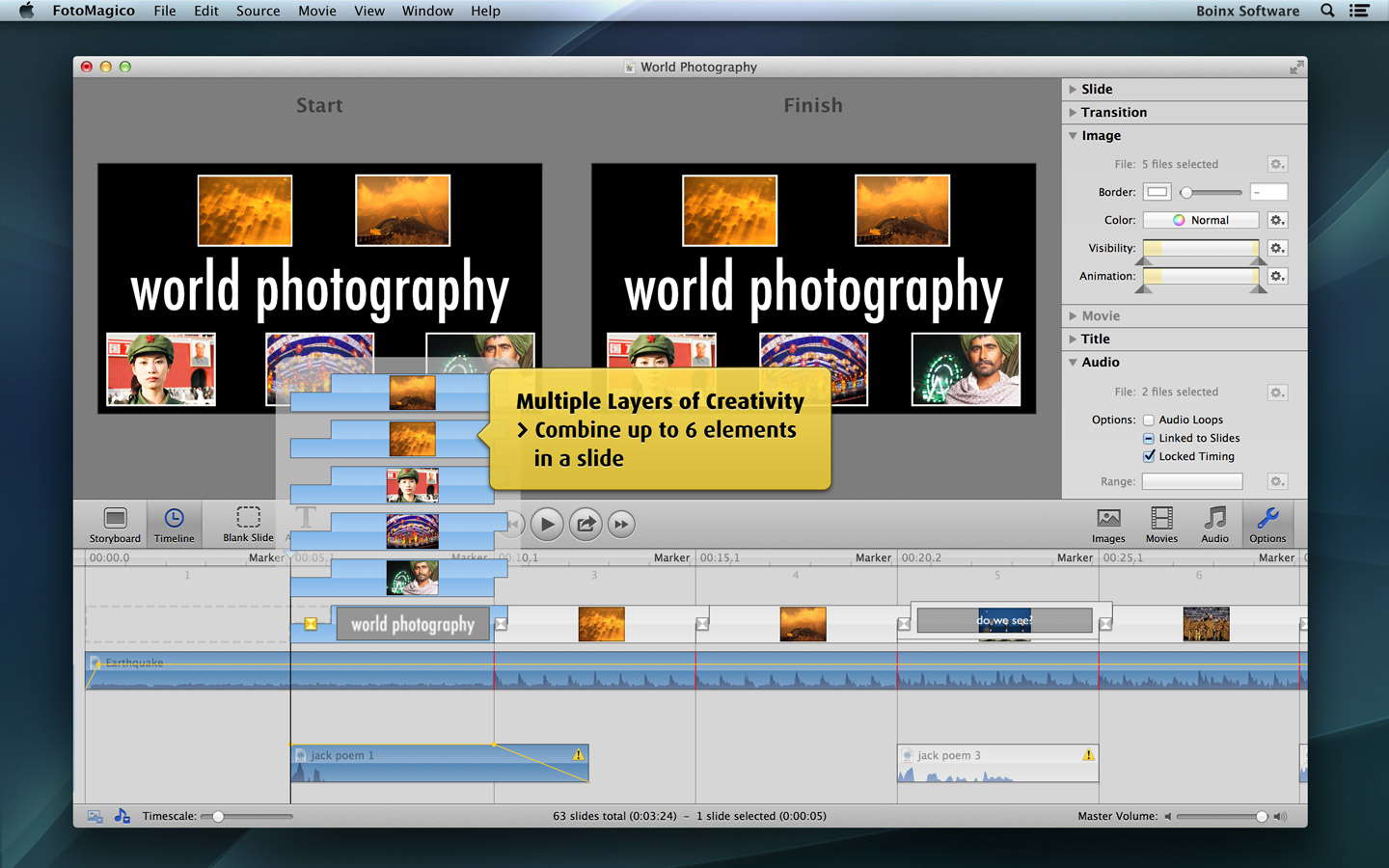
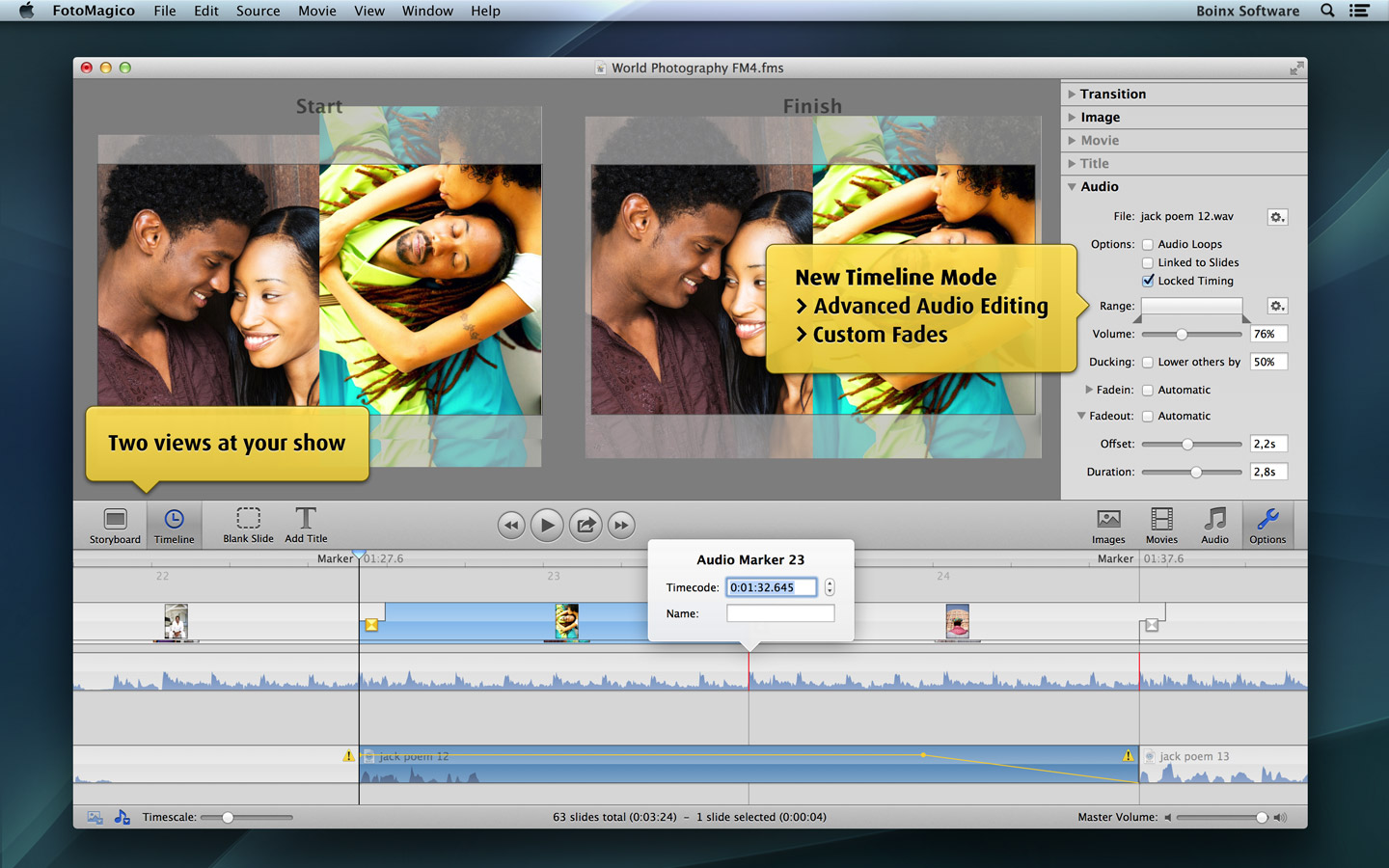
The latest update to FotoMagico offers faster exports, better color accuracy, smoother playback, support OS X Mavericks, and various bug fixes.
To see examples of presentations that photographers have created with FotoMagico, check out the FotoMagico theater, and the demo video below. You can also watch a full-length webinar on how to use FotoMagico 4.4.
This article was last modified on December 17, 2013
This article was first published on December 17, 2013
Commenting is easier and faster when you're logged in!

Recommended for you

Use Bridge to Find and View All Linked Assets in an InDesign File
Quickly find and collect every linked asset in your InDesign project using this...

How to Adjust Colors in Photoshop Using Hue and Saturation
Learn how to manipulate an image’s colors using Photoshop’s Hue and Saturation s...

How to Turn a Photo into Graffiti in Photoshop
Create a spray-painted masterpiece in Photoshop with Steve Caplin.