



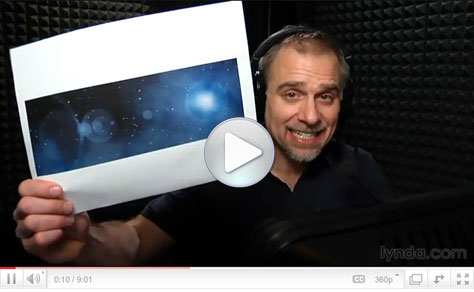
You could call this Photoshop how-to “Deke… In… SPAAAAACE!” In this eight-minute video, I’ll show you how to go from a plain black rectangle to a cosmic scene complete with stars, planets, and space gas.
All it takes is Photoshop’s Add Noise and Gaussian Blur filters, some Levels adjustment, strategically placed Lens Flare, and you’ll have a universe suitable for Web and print projects.
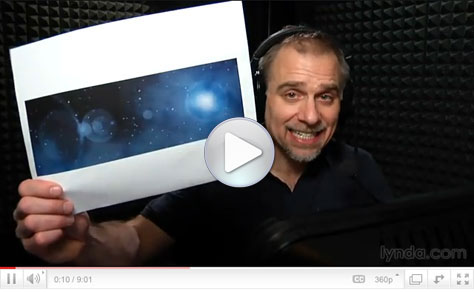
Click the screenshot below to view the step-by-step tutorial video:
This article was last modified on January 6, 2023
This article was first published on April 7, 2011
Commenting is easier and faster when you're logged in!

Recommended for you

How to Adjust Colors in Photoshop Using Hue and Saturation
Learn how to manipulate an image’s colors using Photoshop’s Hue and Saturation s...

Using Photoshop’s Generative Fill to Remove Objects
Learn how to simply remove items from an image in Photoshop, without extra conte...

How to Turn a Photo into Graffiti in Photoshop
Create a spray-painted masterpiece in Photoshop with Steve Caplin.