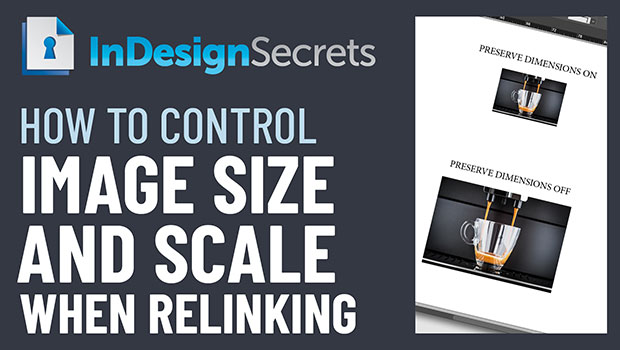
In this week’s InDesignSecrets video, Mike Rankin shows how InDesign handles the size and scale of images when relinking to a new version. If you need to maintain dimensions—or need the scale to remain—he explains where to set the preference for getting the right result.
Check out new tutorials every Tuesday on our InDesign Secrets YouTube channel, then join the discussion on our Facebook group!
This article was last modified on August 29, 2025
This article was first published on January 29, 2020
Commenting is easier and faster when you're logged in!

Recommended for you
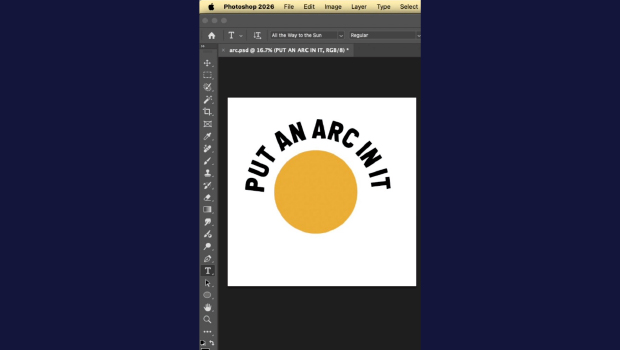
Quickly Create Text in an Arc or Circle in Photoshop
Khara Plicanic reveals new options in Photoshop for putting text in an arc or a...

Editor’s Picks for The Design + Marketing Summit 2026
Our Editor in Chief lists his must-see sessions for The Design + Marketing Summi...