




Photoshop is a valuable tool for editing one image, but you can double your creative options when you use the software to merge two images.
Photoshop’s Paste Into command gives you a quick and easy way to combine two images into a masked region. Although I’ll demonstrate the feature in CS4, the Paste Into command has been around for a while, so owners of older versions can play along, too.
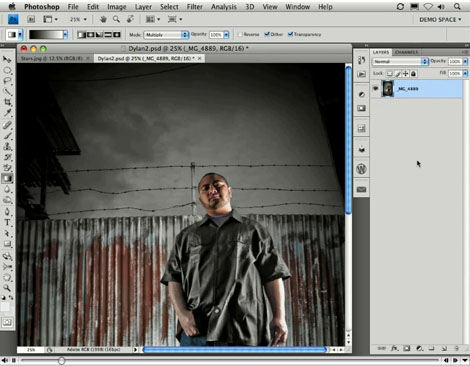
Stream the 4.6MB QuickTime tutorial in a separate window by clicking the image below.
This article was last modified on January 5, 2023
This article was first published on August 26, 2009
Commenting is easier and faster when you're logged in!

Recommended for you

How to Adjust Colors in Photoshop Using Hue and Saturation
Learn how to manipulate an image’s colors using Photoshop’s Hue and Saturation s...

How to Adjust Colors Using Photoshop’s Contextual Task Bar
Learn how to use the Photoshop Adjust Colors feature to make quick, non-destruct...

How to Turn a Photo into Graffiti in Photoshop
Create a spray-painted masterpiece in Photoshop with Steve Caplin.