





We’re big fans of keyboard shortcuts here at CreativePro, since they’re supremely useful in helping you be as efficient as possible in your daily work. But let’s face it, they can be a pain to learn and remember. That’s why keyboard shortcuts guides like the ones we’ve recently mentioned for Photoshop and Adobe Muse come in so handy. If you like those (and you use a Mac), you’ll love an app called CheatSheet.
CheatSheet works with Mac OS 10.7 or later. And with it installed, you simply hold the Command key to display a list of the currently available keyboard shortcuts in whatever application you’re using.
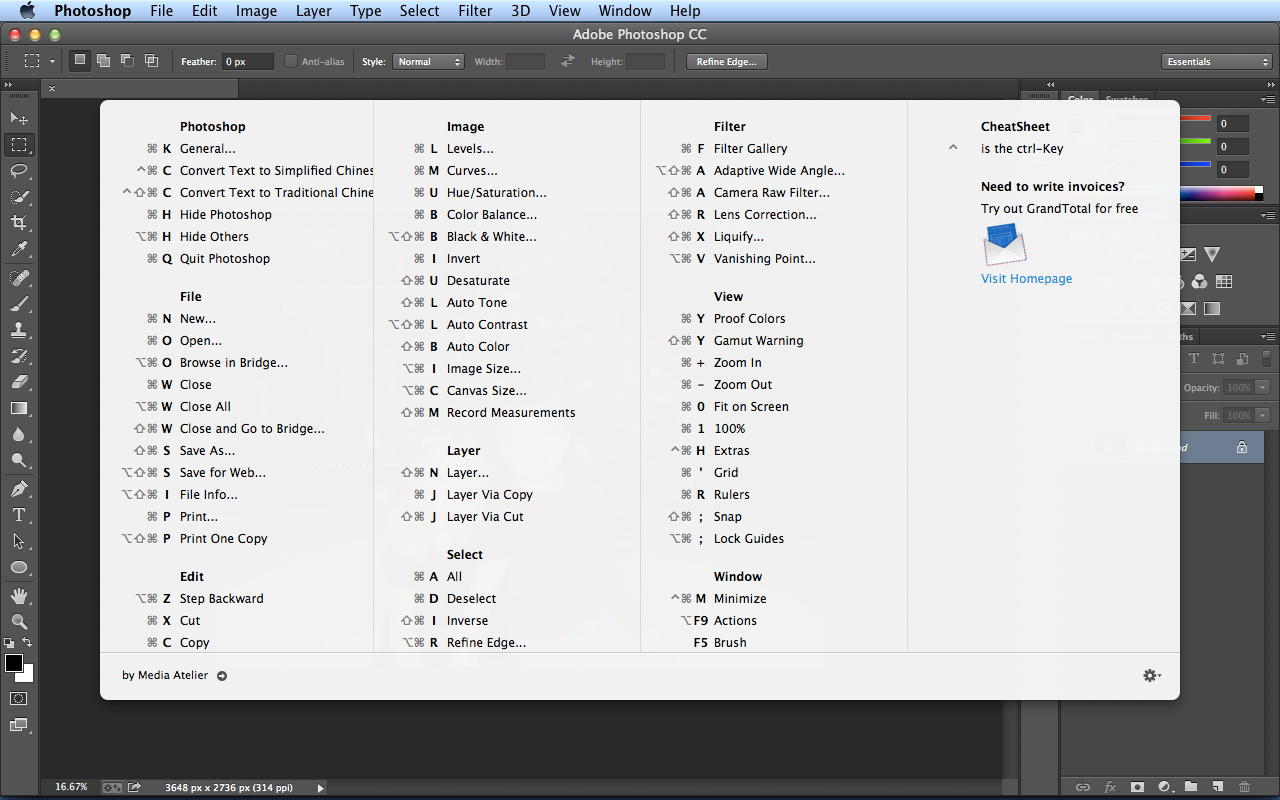
Release the Command key or press any other key to dismiss the guide.
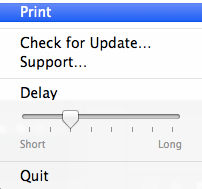
And you can also set the delay preference to control how long you have to wait for the shortcuts to appear, and even print them.
Oh and by the way, Cheat Sheet is free. It makes master keyboard shortcuts so easy, it feels like…cheating.
This article was last modified on January 18, 2023
This article was first published on December 2, 2013
Commenting is easier and faster when you're logged in!

Recommended for you

How to Turn a Photo into Graffiti in Photoshop
Create a spray-painted masterpiece in Photoshop with Steve Caplin.

How to Adjust Colors in Photoshop Using Hue and Saturation
Learn how to manipulate an image’s colors using Photoshop’s Hue and Saturation s...

Using Photoshop’s Generative Fill to Remove Objects
Learn how to simply remove items from an image in Photoshop, without extra conte...