




If you experienced problems after updating to InDesign CC 2017.1, there may be a fix for you. In June, Adobe released a couple bug fixes for Windows and Mac to address the following problems:
- Header row goes missing when duplicating tables
- InDesign crashes while showing tabbed panel in ScriptUI dialog
- A Startup Script, which performs actions on New Document/after New Document, doesn’t work anymore because of the New Command+N dialog box
Note that to apply the fixes, you have to download and run the scripts linked above. As of this writing, they are not accessible via the Creative Cloud app.
This article was last modified on July 25, 2019
This article was first published on July 27, 2017
Commenting is easier and faster when you're logged in!

Recommended for you

Livestream Video: Quick & Easy Vectors with Illustrator’s Shape Builder Tool
Join Khara Plicanic as she explores an easier way of drawing vector shapes in Il...
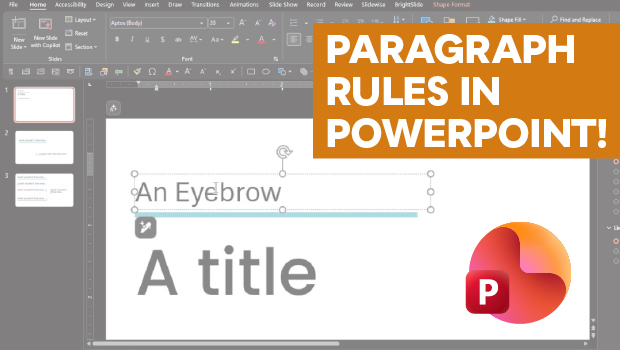
How to Add Paragraph Rules in PowerPoint
This clever workaround creates InDesign-like paragraph rules in PowerPoint.

7 Reasons Why You Belong at the InDesign User Group
If you’re an InDesign user, you’ll dig the IDUG