




In his blog for Adobe, Photoshop principal product manager John Nack points to two videos on “soft” tonemapping techniques for people creating high dynamic range (HDR) images in Photoshop.
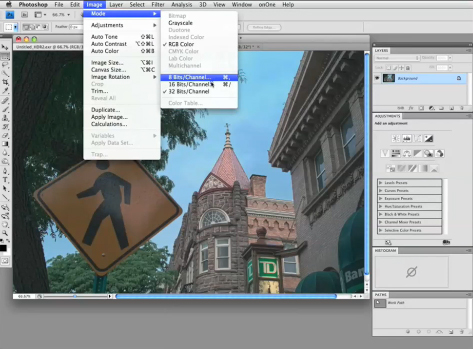
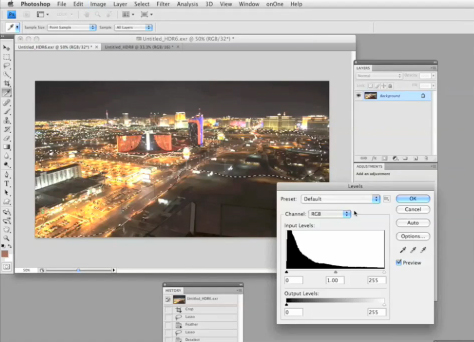
The videos were created by Jack Howard, director of new & social media for Adorama Camera’s Learning Center. In his TechTock screencast tutorials, Jack Howard shows a different way to tone map 32-bit HDR images in Photoshop CS4 using adjustment layers and other tools and treatments before applying the local adaptation curves controls when dropping bit depth.
Click below to open each tutorial in a new browser window:
This article was last modified on December 14, 2022
This article was first published on December 21, 2009
Commenting is easier and faster when you're logged in!

Recommended for you

Using Photoshop’s Generative Fill to Remove Objects
Learn how to simply remove items from an image in Photoshop, without extra conte...

How to Adjust Colors Using Photoshop’s Contextual Task Bar
Learn how to use the Photoshop Adjust Colors feature to make quick, non-destruct...

How to Adjust Colors in Photoshop Using Hue and Saturation
Learn how to manipulate an image’s colors using Photoshop’s Hue and Saturation s...