



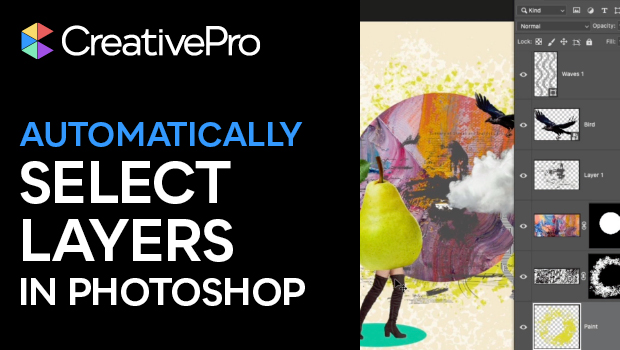
In this short Photoshop how-to video, Khara Plicanic reveals how to select content directly on the canvas. No more clicking on the specific layer in the Layers panel before moving objects around. It’s like a superpower!
Subscribe to the CreativePro YouTube channel for more helpful design tips!
This article was last modified on March 26, 2026
This article was first published on March 26, 2026
Commenting is easier and faster when you're logged in!

Recommended for you
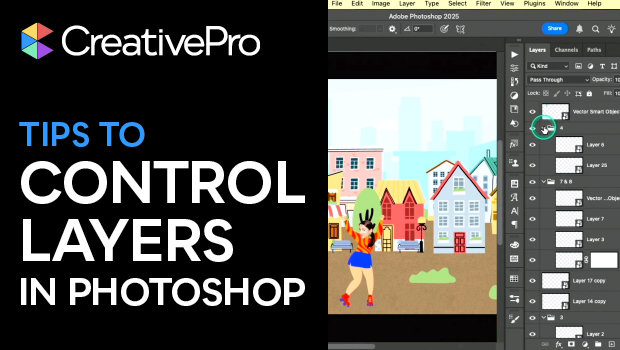
Tips to Control Photoshop Layers
Khara Plicanic shares smart Photoshop Layers panel tips to help you find and man...
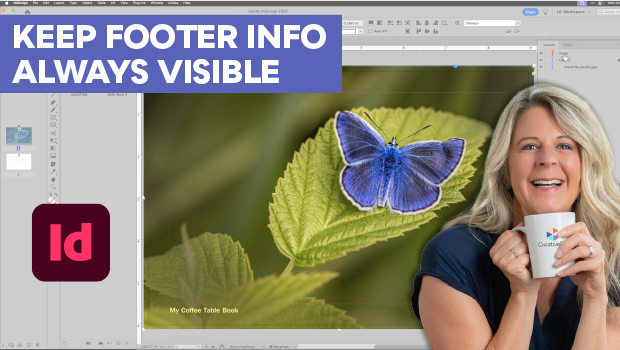
Keep Footer Info Always Visible in InDesign
Keep your full-page photographs from blocking headers and footers in InDesign wi...
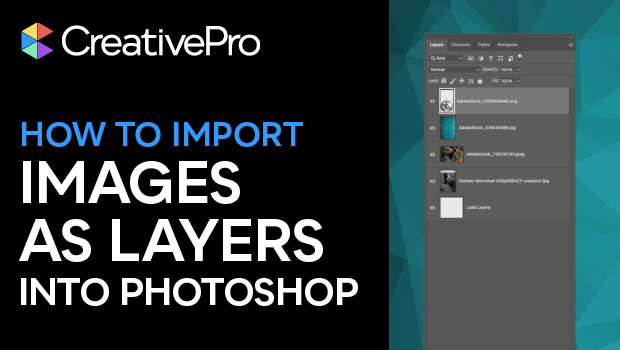
How to Import Images as Photoshop Layers
Load multiple image files as separate layers into a single Photoshop file!