


Photoshop How-To: Protect Photos with Watermarks and Copyright Symbols


To buy this book click here.
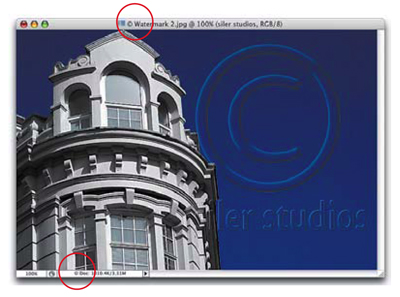
Digital photographers often need to distribute photos electronically — as proofs for clients, perhaps, or on a portfolio site. But with that digital distribution comes a certain risk. Your photos could be used in ways you don’t approve of or even stolen. In this image-rich tutorial, Photoshop expert Scott Kelby shows you how to add information that identifies your photos as yours no matter where they end up.
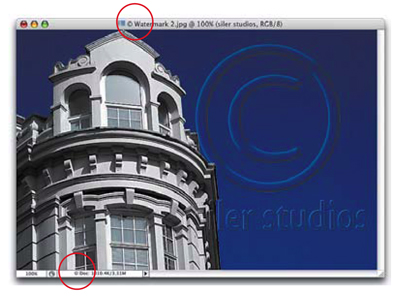
In the first part of this technique, you’ll add a see-through watermark. In the second part, you’ll embed personal copyright information.
We’ve posted this excerpt as a PDF file. To open the PDF file in your Web browser, click “Protection.” You can also download the PDF to your machine for later viewing.
To open the PDF, you’ll need a full version of Adobe Acrobat (5 or higher) or the Adobe Reader, which you can download here:
 .
.
To learn how to configure your browser for viewing PDF files, see the Adobe Reader tech support page.
Pages 418-423 excerpted from “The Photoshop CS2 Book for Digital Photographers” by Scott Kelby. Copyright © 2005. Used with the permission of Pearson Education, Inc. and Peachpit.
This article was last modified on January 3, 2023
This article was first published on February 1, 2006
Commenting is easier and faster when you're logged in!

Recommended for you

Rotate Flat Elements in 3D Space in Photoshop
Khara Plicanic demonstrates how to take a flat photo element and rotate and tilt...

Use Bridge to Find and View All Linked Assets in an InDesign File
Quickly find and collect every linked asset in your InDesign project using this...

Livestream Video: Quick & Easy Vectors with Illustrator’s Shape Builder Tool
Join Khara Plicanic as she explores an easier way of drawing vector shapes in Il...