




In this week’s CreativePro video, Bill Jelen demos how to format text using a feature called Flash Fill. The feature lets you define how to format a block of information that you can then use with InDesign’s data merge, or just copy and paste into InDesign.
New videos every Tuesday on our CreativePro YouTube channel. Be sure to subscribe so you don’t miss any!
This article was last modified on March 26, 2019
This article was first published on March 26, 2019
Commenting is easier and faster when you're logged in!

Recommended for you

A Script to Rotate Objects in InDesign with an Object Style
If you were to ask me how to use an object style to rotate objects in InDesign,...
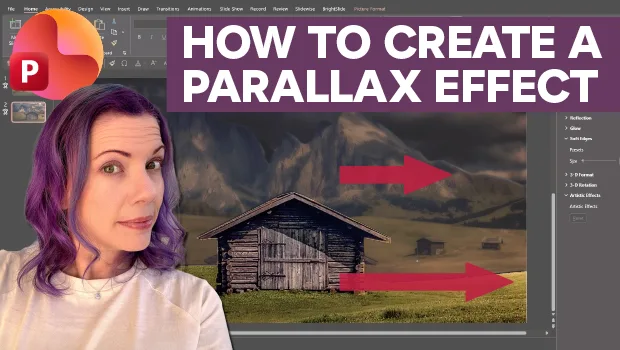
Create Parallax Transitions in PowerPoint
Create dramatic 3D scenes with Stephy Hogan using Morph.
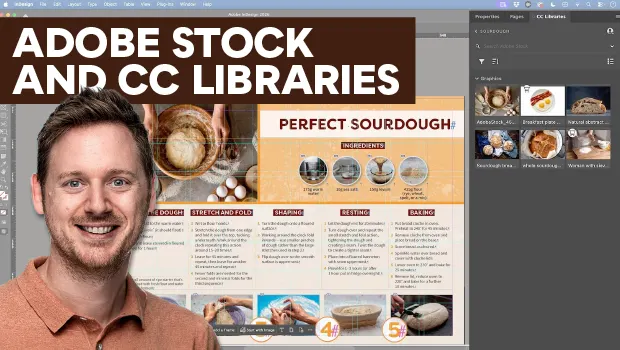
Find Adobe Stock Assets Without Leaving InDesign
Find Adobe Stock assets without ever leaving InDesign!