



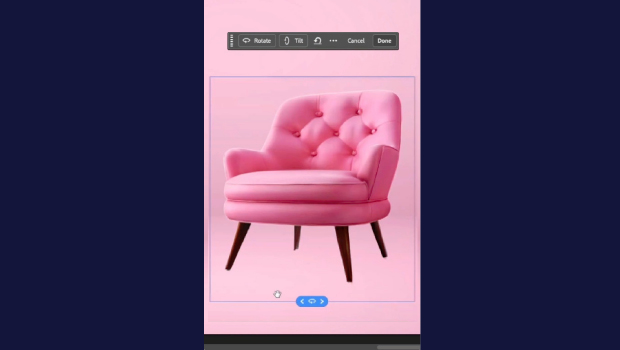
In this short Photoshop how-to video, Khara Plicanic demonstrates how to take a flat, 2D image and rotate it in 3D using the new Rotate Object option from the Contextual Taskbar.
Subscribe to the CreativePro YouTube channel for more helpful design tips!
This article was last modified on June 15, 2026
This article was first published on June 15, 2026
Commenting is easier and faster when you're logged in!

Recommended for you

Why Your Print Workflow May Be Stuck in the Past
A Conversation with Adobe’s Mark Lewiecki on PDF best practices for print

How to Turn a Photo into Graffiti in Photoshop
Create a spray-painted masterpiece in Photoshop with Steve Caplin.
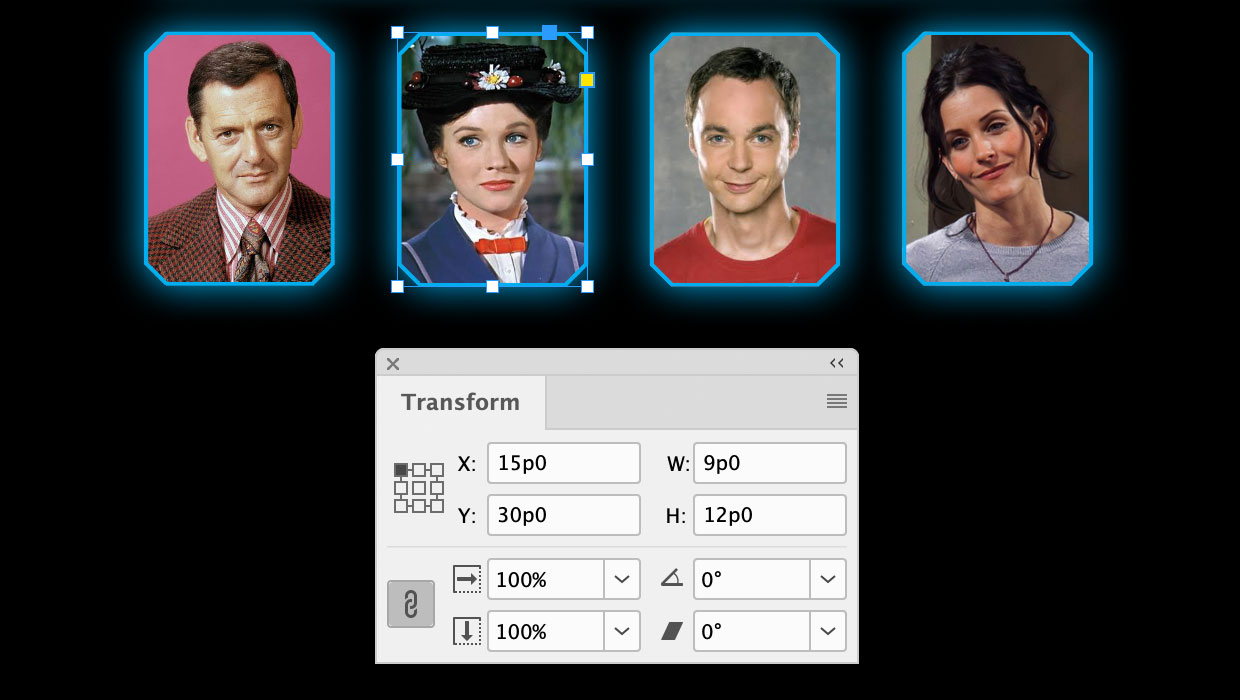
A Script to Round off Size and Position Values in InDesign
Instantly clean up "messy" values by rounding them off to the nearest whole poin...