



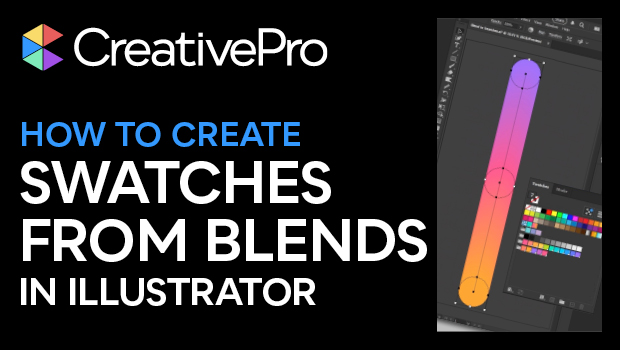
In this quick video, Kat Kremser shows you how to create coordinated swatch groups using the blend tool in Adobe Illustrator and how to save the resulting swatch sets to your Creative Cloud library for use across all Adobe apps.
Subscribe to the CreativePro YouTube channel for more helpful design tips!
This article was last modified on August 29, 2025
This article was first published on July 3, 2025
Commenting is easier and faster when you're logged in!

Recommended for you
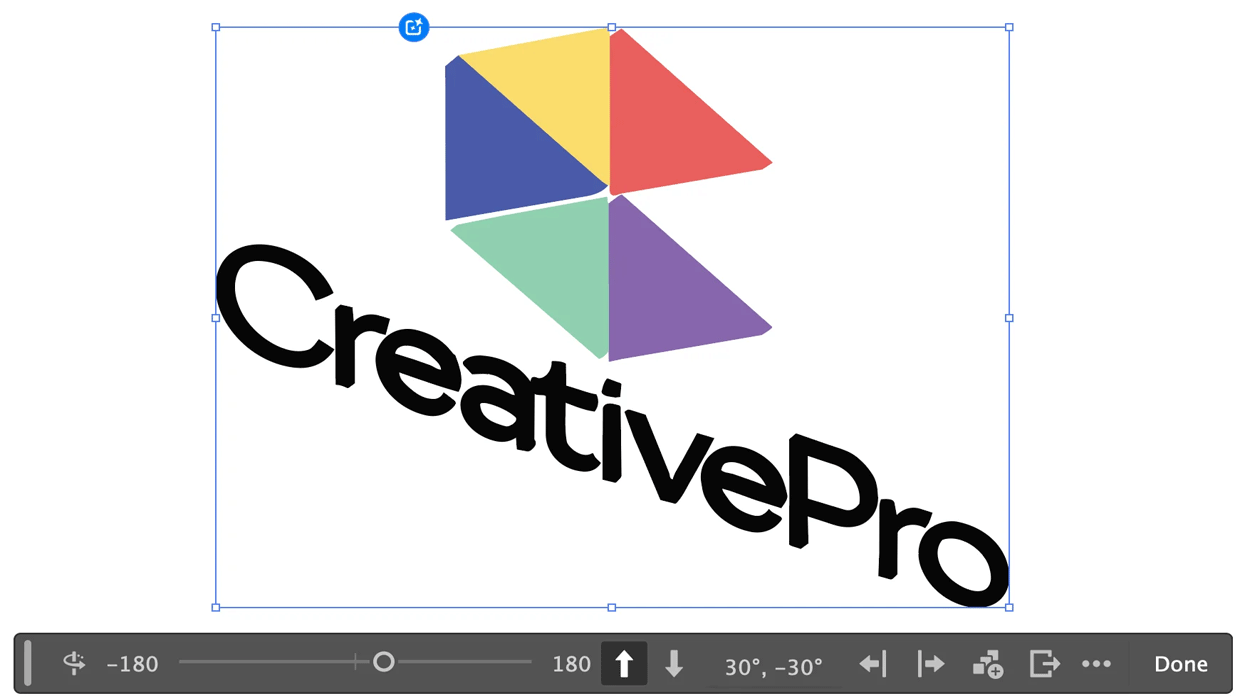
Rotating Objects in Illustrator Using Turntable
Generate vector objects from a variety of angles with the help of AI
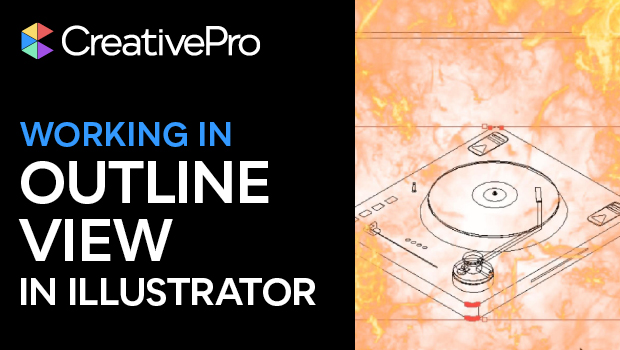
How to Get X-Ray Vision in Illustrator!
Khara Plicanic shows how to see just the framework of your Illustrator creations...

Quick Wins: Design Tips
Use these five simple tips from the Before & After magazine collection to boost...