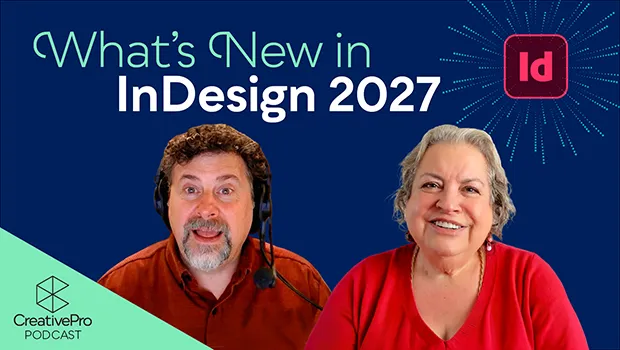
Episode 299
Podcast 299
• New Online Summits • Editorial Tools in InDesign • Obscurity: Select Subject
0:00 / 0:00
 Listen on Spotify
 Listen on Apple Podcasts
In this episode…
- News
- Last chance to get CreativePro Week 2022 videos and handouts
- Our online Design and Marketing Summit debuts July 18–19
- Illustrator Summit returns Sept 22–23
- Anne-Marie and David will be live at Adobe MAX in October
- CreativePro Magazine issues: https://development.creativepro.com/issues/
- “Smarter Workflows with InDesign and Word,” Anne-Marie’s newly-published course on LinkedIn Learning
- Editorial Tools and Panels in InDesign
- Obscure InDesign Feature: Select Subject
Sponsor for this episode:
>> > Santa Cruz Software has a solution for the “83% of respondents who have said they have to spend time finding a lost sset.” The answer is LinkrUI, a plugin that enables direct searching, opening, placing, and syncing of assets stored in a DAM or other storage services such as Box and Dropbox from within Photoshop, Illustrator, and InDesign. Download the free version here.
Links mentioned in this podcast:
- Smarter Workflows with InDesign and Word by Anne-Marie!
- InDesign for Editors by Nigel French
- Notes tool and panel
- https://development.creativepro.com/find-notes-indesign-files/
- https://development.creativepro.com/how-do-you-know-if-there-are-notes-in-an-indesign-document/
- https://development.creativepro.com/show-indesign-notes-tool-some-love/
- https://development.creativepro.com/use-notes-to-hide-text/
- Kris Coppieters’ free ShowNotes.jsx startup script
- Story Editor:
- InCopy articles:
- Track Changes:
- Obscure Feature: Select Subject
Commenting is easier and faster when you’re logged in!
Loading comments…

Recommended for you
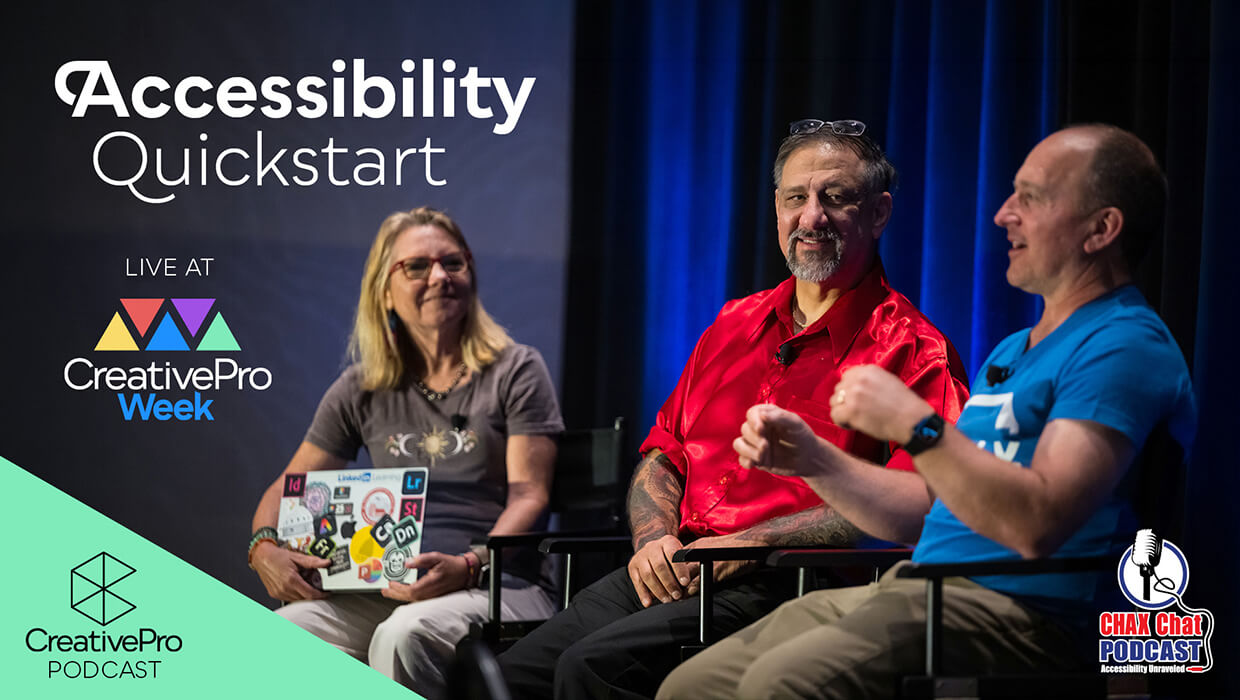
Podcast
Accessibility Quickstart with Dax and Chad
Dax Castro and Chad Chelius give practical accessibility advice for designers getting started with building more inclusive documents. Recorded at CreativePro Week 2026.