



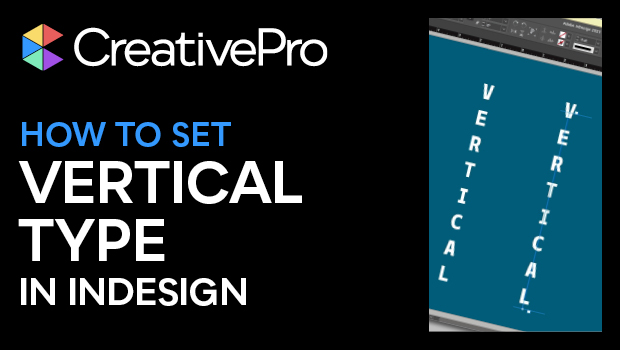
In this InDesign how-to video, Khara Plicanic shows two quick and easy ways to set vertical—or stacked—type. The first method involves manually adding spaces to force a line break. The second method involves using the Type on a Path tool and accessing its extra options.
Subscribe to the CreativePro YouTube channel for more helpful design tips!
This article was last modified on August 29, 2025
This article was first published on February 4, 2025
Commenting is easier and faster when you're logged in!

Recommended for you
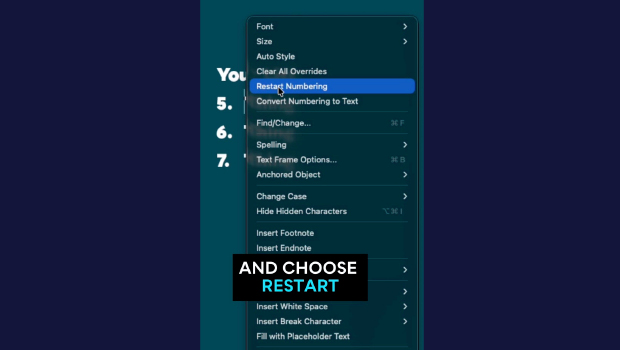
Quickly Renumber a List in InDesign
Khara Plicanic shows how to renumber an InDesign list without digging through me...
How to Animate Cursive Writing in Premiere
Use Myra Ferguson's Shape Flow transition effect tip to animate text.
Reduce PDF File Size the Smart Way in Acrobat
Shrink your PDF file size in Acrobat with Bart Van de Wiele.