



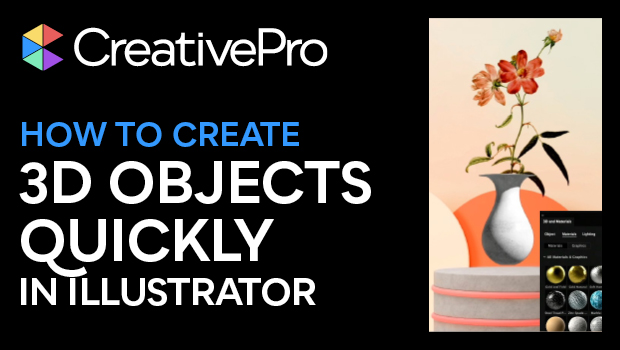
In this “Three Minutes Max” video, Kladi Vergine shows us that you can create great looking 3D objects quickly, even if you don’t know anything about 3D! Using just the pencil tool to draw her object, she then gets an assist from Photoshop via the Libraries panel to add a background. Back in Illustrator, Kladi uses the 3D and Materials panel to change the object’s look and adjust the lighting as well.
Three Minutes Max comes from a fun—yet very competitive—session at our annual CreativePro Week conference. Speakers have three minutes to wow the audience with the tip and win a prize for a lucky conference attendee.
Subscribe to the CreativePro YouTube channel for more helpful design tips!
This article was last modified on August 29, 2025
This article was first published on September 6, 2023
Commenting is easier and faster when you're logged in!

Recommended for you

Work Week Projects: 5 Essential Illustrator Skills
Five quick exercises to do while you're at work to learn important skills in Ill...
Livestream Video: Quick & Easy Vectors with Illustrator’s Shape Builder Tool
Join Khara Plicanic as she explores an easier way of drawing vector shapes in Il...
Review: Astute Manager Pro
This new service makes it easy to back up, restore, and sync your Illustrator se...