



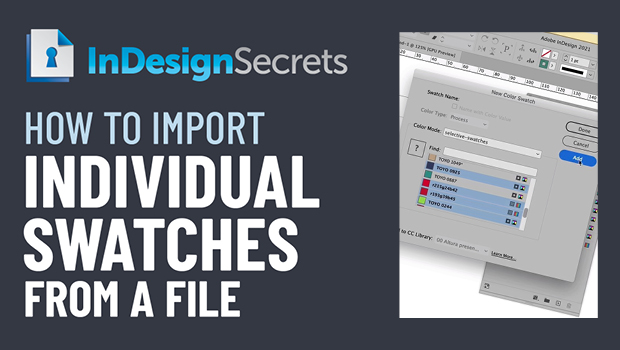
In this InDesign how-to video, Bart Van de Wiele shows how to easily pull individual color swatches from one file into another file. There are many ways to bring in swatches, but they often bring in every swatch from a file, or a host of unnecessary items. Bart demos bringing in select swatches only by treating the source file as a color library.
This comes from Bart’s “10 Essential InDesign Productivity Tips” session at CreativePro Week 2021.
This article was last modified on August 29, 2025
This article was first published on June 3, 2022
Commenting is easier and faster when you're logged in!

Recommended for you
How to Share Illustrator Swatch Groups
Learn how to use Illustrator’s brand-new Swatch Info feature and how to add swat...
How to Create a Stylized Palette From an Image in Illustrator
Learn how to quickly create a color swatch palette from an image in Illustrator...
Create a Pantone Swatch in Illustrator
Make your own Pantone Swatch colors in Illustrator with Theresa Jackson.