



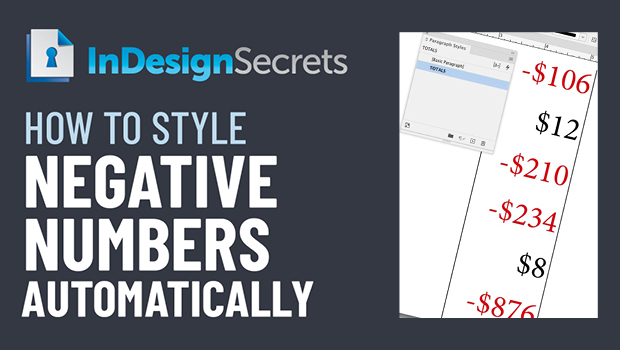
In this InDesign how-to video, Erica Gamet uses the power of GREP to automatically style any negative dollar amounts in red. By finding a consistent pattern in the text, this automation can be built into a paragraph style so the style change will happen on-the-fly.
This comes from Erica’s upcoming session at CreativePro Week 2022 in Washington, D.C. May 9-13.
This article was last modified on August 29, 2025
This article was first published on April 22, 2022
Commenting is easier and faster when you're logged in!

Recommended for you

Interview with Adam Jury, GREP Expert
Q&A with Adam Jury, who is presenting at CreativePro Week 2025

Editor’s Picks for The InDesign Conference 2025
Our Editor in Chief lists his must-see sessions for the InDesign Conference 2025...
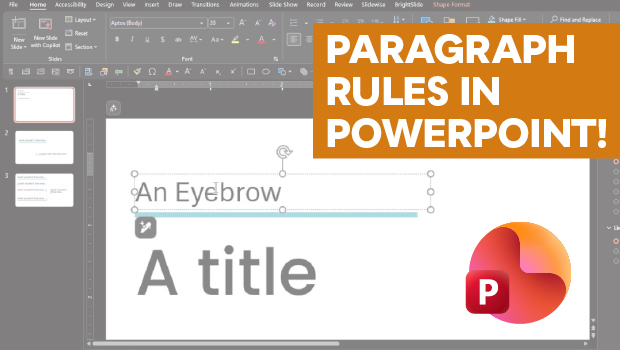
How to Add Paragraph Rules in PowerPoint
This clever workaround creates InDesign-like paragraph rules in PowerPoint.