



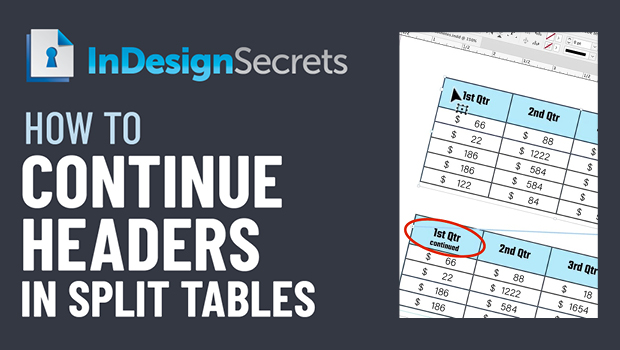
In this InDesign how-to video, Jason Hoppe demos a clever way to have one table header for the first instance of a split table, and a different one for all subsequent locations. It takes a little bit of behind-the-scenes magic, but it gets the job done nicely!
This comes from Jason’s “Tabs and Tables” session at CreativePro’s InDesign + Type Summit 2021.
This article was last modified on August 29, 2025
This article was first published on March 11, 2022
Commenting is easier and faster when you're logged in!

Recommended for you

Free Webinar: Super Simple PowerPoint Slides
Learn how to quickly create simple, professional slides that connect with your a...
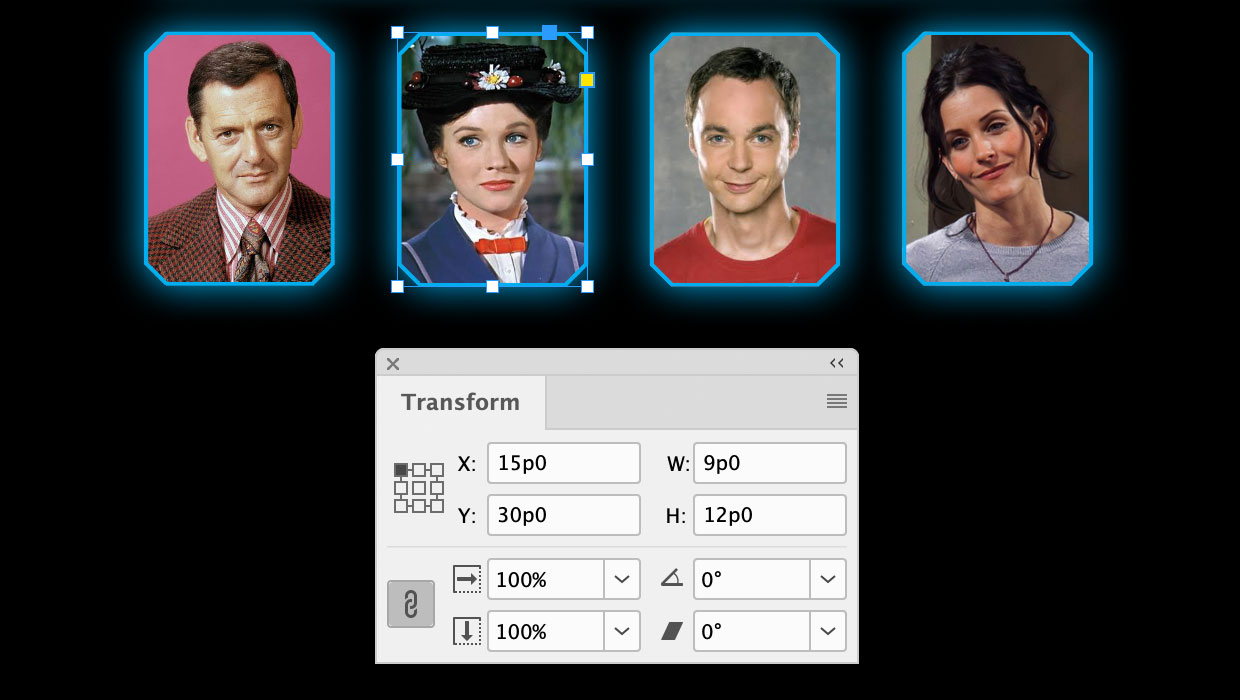
A Script to Round off Size and Position Values in InDesign
Instantly clean up "messy" values by rounding them off to the nearest whole poin...

Quick Wins: InDesign Template Essentials
Use these five Template Essentials collections to speed up your InDesign documen...